Can Photoshop restore old photos? Yes — here is the honest cost
Photoshop is still the most capable restoration tool that exists, and it is the only one on this list that will do exactly what you decide. What it asks in return is skill, hours and a subscription — and for a box of family prints, those three multiply fast.
No credit card required. Your photo is deleted from storage within 30 days.
Yes. Photoshop can restore any photograph that still has information in it, and a skilled retoucher using it will beat any automated pipeline on a photo that matters. That is not a marketing hedge; it is the reason professional conservators use it. You get full control of every pixel, and control is what hard damage needs.
The workhorse for most people is the Photo Restoration Neural Filter: a one-panel tool with sliders for photo enhancement, face enhancement and scratch reduction. It removes dust, noise, fine scratches and softness well, and on a lightly damaged print it produces a usable result in a couple of minutes. It is worth knowing its shape before you rely on it — it is an optional download, it runs on the desktop app rather than the web version, and it is still labelled a beta.
Past that filter, restoration in Photoshop is manual craft. Clone Stamp and Spot Healing for surface damage, Content-Aware Fill and Generative Fill for missing areas, Curves and Hue/Saturation for fade, and a Paper Texture overlay if you intend to print. Half an hour for a clean photo in expert hands; five to eight hours for a face with a tear through it. The range is the point: the tool's ceiling is your skill, and the floor is your patience.
The ordinary damage, repaired without the hours
Most family photos do not need a craftsperson — they need the dust, the scratches, the fade and the softness removed consistently, with the face left alone. That is the case worth comparing on time as well as quality.
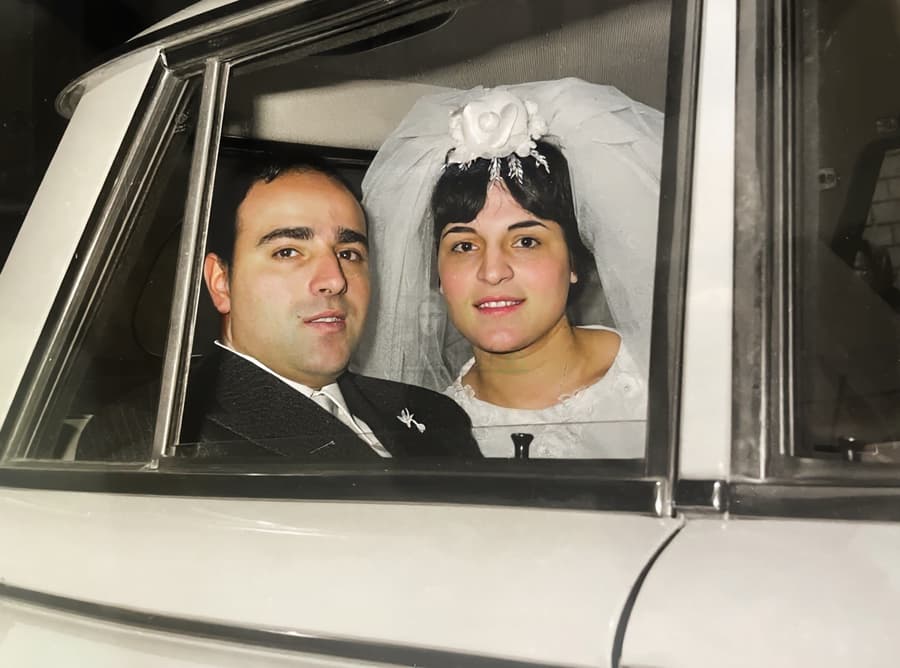
Dust, creases and fade — the filter's home ground
The Photo Restoration filter handles dust, fine scratches and noise in one pass. The crease and the colour work are still yours, and both take real time.
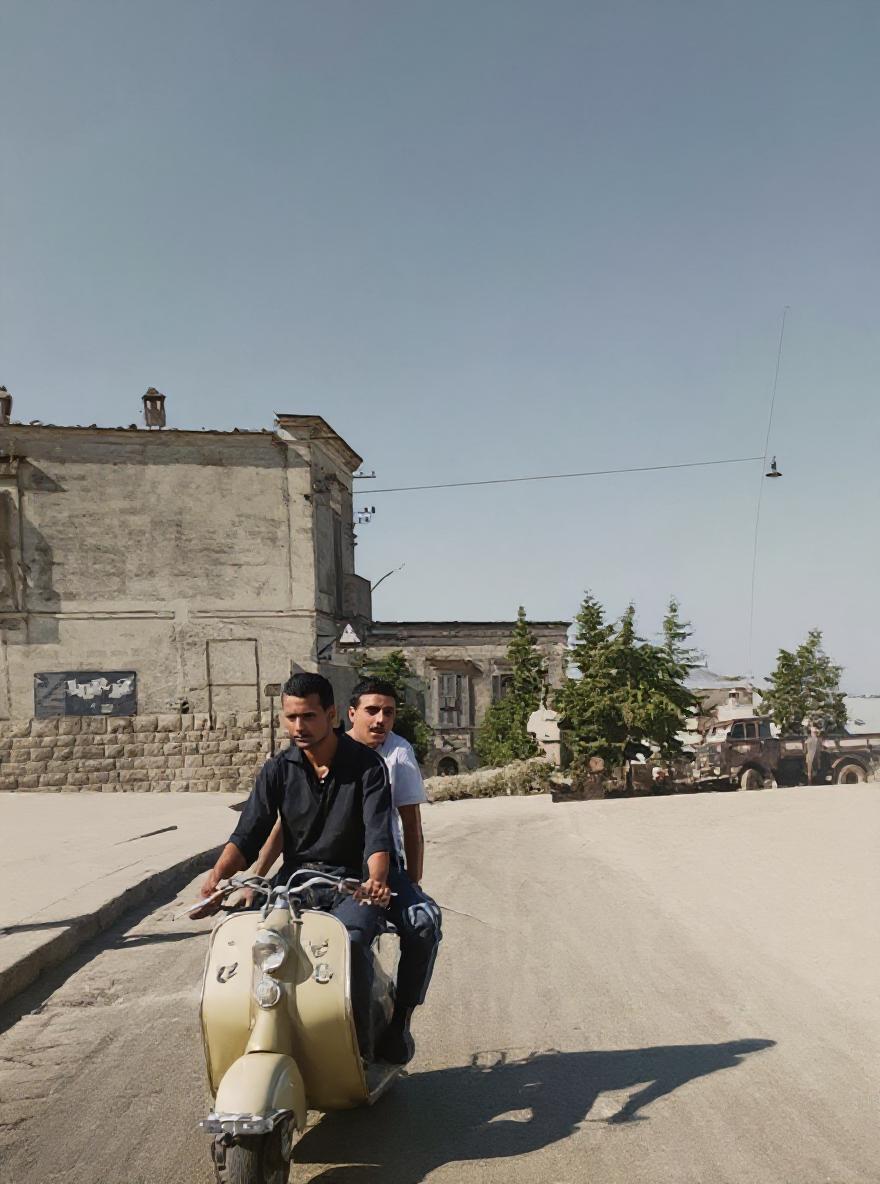
Speckled scan, cleaned
The exact class of damage a Neural Filter targets well: hundreds of dust specks and age spots lifted while the grain of the film stays put.
What the tool actually does, and where it stops
The Photo Restoration filter has three sliders and no understanding of your photo. Push Scratch Reduction hard and it can mangle faces rather than clean them — the one failure that ruins a portrait.
It handles dust, noise and fine scratches. It does not rebuild a torn corner or a missing eye: that is inpaint-by-hand territory, and it is hours of work.
It is desktop-only, needs an optional multi-hundred-megabyte filter download, and requires a paid Creative Cloud subscription to run at all.
Time scales with damage, and damage always concentrates in faces — the slowest, most delicate part of the job.
On a box of forty family photos, the arithmetic stops being about quality: forty hours of skilled retouching is a month of evenings.
The workflow that gets a good result in Photoshop
Run the filter first, and judge it at 100%
Filter → Neural Filters → Photo Restoration, then work on a duplicate layer so the original stays intact. Enable Photo Enhancement and Enhance Face at moderate strength, bring Scratch Reduction up only until the damage goes, and stop the moment the eyes start to change. Export to a new layer, compare at 100%, and keep the version that still looks like the person.
Then repair the structure by hand, in the right order
Damage first — Clone Stamp and Spot Healing for scratches and spots, Content-Aware Fill for small losses, Generative Fill only for larger missing areas where you can compare the suggestion against the surrounding texture. Then tone, with Curves: lift the blacks the fade crushed, hold the whites so the print does not blow out. Colour last, on an adjustment layer, so the cast is corrected without bleaching the skin.
Know when the photo has stopped needing Photoshop
If the damage is dust, scratches, fade, softness or a small tear — the ordinary state of a family print — the manual route costs hours and buys very little over a pipeline that repairs the same regions automatically and rebuilds resolution to print size. Keep Photoshop for the photographs that deserve a craftsperson: the one portrait on the wall, the museum print, the negative with real damage through the face.
Private by design
Auto-deleted in 30 days
50 MB and 8,192 px
The largest photo the uploader accepts
First one is free
No credit card required
Photoshop and old photos — the honest FAQ
Can Photoshop restore old photos?
Yes, and it is the most capable option available. The Photo Restoration Neural Filter automates the routine part — dust, noise, scratches, softness, mild face enhancement — and everything past that is manual work with cloning, healing, filling and curve tools. The limit is not the software; it is the hours and the skill you bring to it.
Is the Photo Restoration filter free?
The filter ships with Photoshop and costs nothing extra, but Photoshop itself requires a Creative Cloud subscription. It is also an optional download — several hundred megabytes the first time you enable it — and it runs in the desktop app, not the browser version. It has carried a beta label for years without changing how it works.
Can Photoshop fix a torn or missing corner?
Yes, with work. Content-Aware Fill handles small losses well; a missing corner that includes part of a person needs rebuilding by hand — cloned texture, matched grain, and a paper overlay if it is going to print. The Neural Filter is not the tool for this: it cleans damage, it does not reconstruct structure.
Can Photoshop sharpen a blurry photo?
It can sharpen, and Smart Sharpen or Deconvolution-style workflows will recover a little genuine detail from mild softness. What it cannot do is recover detail that is not in the file. Once the smear is longer than a few pixels, any sharpening pass produces halos or invented texture, which is exactly why dedicated deblurring models exist.
How long does it take to restore a photo in Photoshop?
For someone fluent in the tool: ten to thirty minutes on a lightly damaged print, an hour or two on a scratched and faded one, and half a day or more when a face is torn. For someone learning as they go, multiply that by three and add the tutorials. That learning curve is the real price, and it is the reason most family archives never get finished.
Photoshop or an AI restoration pipeline — which should I use?
Photoshop when the photo is singular, the damage is structural, and you want to make every decision yourself. A pipeline when the damage is ordinary — dust, scratches, fade, softness — or when there are dozens of photos and consistency matters more than individual craft. The honest comparison of the two, including where AI loses, is on the AI restoration vs Photoshop page, linked at the end of this one.
Test the ordinary photo here, keep the hard one for Photoshop
Upload the scratched, faded one — the case where Photoshop costs hours and gains little. First restoration free, no card required.
Restore your first photo for freeWhere this page sends you next
- Can ChatGPT restore old photos? — why a chatbot cannot restore a photo at all
- Can Claude restore old photos? — the assistant that returns text and nothing else
- Can Gemini restore old photos? — the generative shortcut, and where it drifts
- Can Meta AI restore old photos? — the same shortcut inside a chat app
- Can Remini restore old photos? — the one-tap alternative, and its face problem
- AI restoration vs Photoshop — the decision page: which of the two to use