Restore ancestry photos — the faces your family tree is missing
A family tree full of names is not the same as knowing what they looked like. Pinin brings the photographs back — the damaged, faded prints that hold your ancestry.
No credit card required. Your photo is deleted after 30 days.
Every genealogist knows the moment. You find the record, the census entry, the passenger list — and then, if you are lucky, a photograph surfaces: a cabinet card from the old country, a sepia portrait labeled in fading pencil, a print that has passed through four generations and looks like it. Ancestry photo restoration exists for that moment, because the photograph is usually the only visual evidence that these people existed at all. The photos that survive family history are rarely healthy ones. They were stored in attics, carried across borders, pasted into albums with adhesive that outlived the century, handled by every descendant who wanted a look. Pinin restores them the way a family historian would want: damage removed, faces rebuilt with care, era kept intact — and nothing about the person altered. A restored ancestor portrait can go back into the family tree, onto a research wall, into a printed memorial book. Upload a scan, see the result in about thirty seconds, and the first restoration is free.
Ancestry photos restored — real before and after
Real family-history prints with generations of wear — recovered by Pinin. Drag the slider to compare the damaged original with the restored result.
.png)
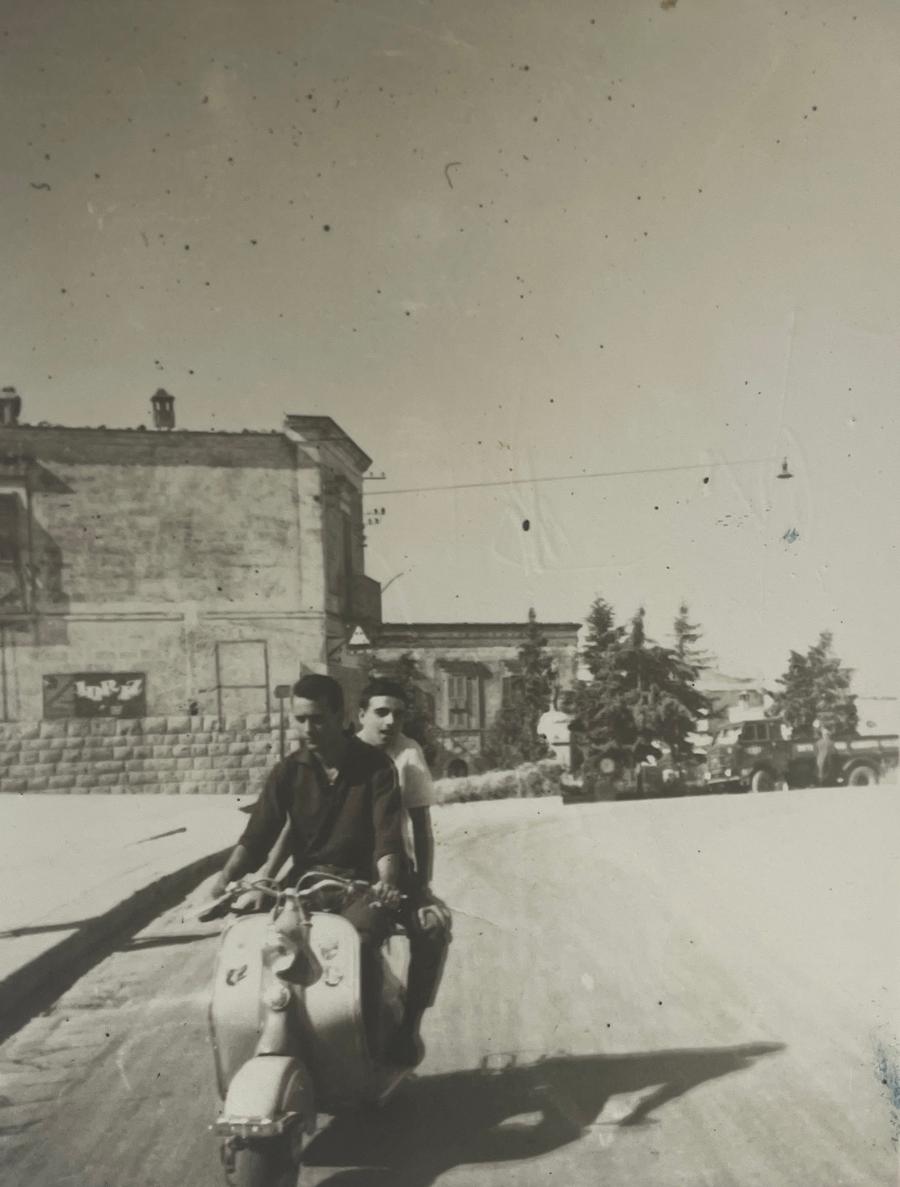
Generational portrait, revived
A family portrait that survived decades of handling — restored with the faces left exactly as they were.
Heavily damaged heirloom, fully repaired
Scratches, surface loss, and spots across a print kept for generations — detail recovered everywhere it survived.
Family-history damage Pinin repairs
Ancestor portraits damaged so badly the face is barely readable — the only photo of that person
Pencil captions fading off the back while the print fades in front, history eroding on both sides
Album adhesive stains, yellowed tape, and mounting glue from decades of being pasted into family books
Sepia and silverfish damage from attics and cellars where the family boxes lived
Photos carried across migrations — folded, torn, water-struck on the way
Contradicting copies of the same ancestor portrait, each damaged differently
Prints too fragile to display, so the person disappears from family memory entirely
A whole family tree documented in records but visually blank before 1950
How to restore an ancestry photo with Pinin
Digitize what you have, wherever it lives
Gather the ancestor prints from relatives — the copies matter, because different branches often hold different versions of the same portrait. Scan flat at 300–600 DPI, or photograph fragile card-mounted prints under indirect light. Write down what the pencil on the back says before it fades further; restoration recovers the image, not old handwriting.
Restore the face, keep the era
Pinin removes what time added — cracks, stains, fading, adhesive marks — while reconstructing faces with the constraint that matters most in genealogy: the person must stay recognizable to the family that remembers them. Damage repair never invents a different ancestor. Period tonality stays; your restored portrait still looks like it belongs beside the census record.
Put them back in the tree
The restored file is ready in about thirty seconds. Download it, add it to your family tree on the genealogy platform you use, print it for the wall or the memorial book, share it with cousins researching the same line. Digitally restored, an ancestor photo survives every future move of the physical print — and your scan auto-deletes after 30 days.
Private by design
Auto-deleted in 30 days
30 seconds or less
Most photos restored instantly
First one is free
No credit card required
Ancestry photo restoration — what to know
Can badly damaged ancestry photos really be restored?
In most cases, yes. The prints that survive family history usually carry damage in layers — surface wear, staining, fading — with the image data still underneath. AI restoration removes the damage layers and rebuilds missing detail from what surrounds it. Faces get the most careful treatment: reconstruction works from surviving geometry so the ancestor stays recognizable. Even prints that look like lost causes often restore to display quality, because digital repair never touches the fragile original.
Will AI change what my ancestor looked like?
No — that constraint is built into how the restoration works. Damage removal takes away stains, cracks, and fade; it does not invent new features. Where detail is genuinely missing, faces are reconstructed from the geometry that survived — the visible eye guides the rebuilt one, the surviving jawline guides the rest. The result is the person as the photograph recorded them, cleaned of what time did afterward. If you compare the restored face with the original, the identity is the same; only the damage is gone.
Can I restore photos found on genealogy sites like Ancestry or MyHeritage?
Yes, if you can download the image file. Low-resolution scans from record databases often benefit most from restoration plus upscaling — bring the file to Pinin and the pipeline cleans the damage and reconstructs natural detail at higher resolution. For photos other relatives own, ask them to scan at 300–600 DPI and send the file; restoring from a proper scan always beats restoring from a screenshot of a record page.
What resolution do I need for a good ancestry restoration?
Scan at 300 DPI as the floor, 600 DPI for small or fragile originals. Most family-history prints are small — cabinet cards and portraits — so use the highest practical setting and scan flat. If your only copy is a phone photo, it can still work, especially combined with upscaling, but a flatbed scan always gives the restoration more original detail to recover from. When in doubt, try one photo first: your first restoration is free, so you can see exactly what your scan supports.
Can restored ancestor photos be colorized?
Yes, and it is a popular final step — but it stays a choice. The restoration returns the photo healthy in its original monochrome or sepia; colorization is a separate pass you can apply after, adding historically plausible color to clothing, backdrops, and skin. Many family historians keep both versions: the restored original for archival honesty, the colorized one for the family tree wall where relatives engage more with faces in color.
How much does ancestry photo restoration cost?
Your first restoration is completely free — no credit card required. After that it is one credit per photo regardless of damage: $1.50 each, volume packs of 5 credits for $5.99, 20 credits for $19.99. Family historians working through a whole archive usually take the $12 monthly plan with 30 credits — a full ancestral album, restored.
Give the tree its faces back
Upload a scan of your ancestor portrait and see it restored in about thirty seconds. First restoration free.
Restore your first photo for freeTrusted by families, historians, and photo enthusiasts worldwide