Can Claude restore old photos? No — and the reason is mechanical
Claude is excellent at looking at a photograph and talking about it. It cannot hand one back to you repaired, and no prompt changes that. What it can do is worth knowing, because half of a good restoration is deciding what the damage actually is.
No credit card required. Your photo is deleted from storage within 30 days.
The direct answer is no. Claude takes images in and gives back text — analysis, instructions, code, descriptions. It has no image output, no inpainting model, no upscaler. Ask it to "restore this photo" and the most honest reply it can give is a description of how you or another tool could restore it.
That is not a limitation of the prompt or of the plan you are on. It is what the product is. A restoration is a pixel-level operation: the tear in the emulsion has to be filled from the pixels immediately around it, the smear has to be pushed back along its own path, the fade has to be reversed channel by channel. All of that work lives in the image file. A text response cannot carry it.
Where the confusion comes from is worth naming, because it shows up in nearly every search on this question. Images online are captioned "restored with Claude" when what actually happened is one of two things: an agent built on Claude called a separate image tool — Claude Code running a restoration API, for instance — or a person followed Claude's written instructions inside Photoshop. In both cases the model was the planner, never the paintbrush.
What the actual repair looks like
The damage in these pairs is what an assistant can only describe: dust and creases across a print, a fade that swallowed the contrast. Each was repaired in place, not re-drawn — which is the part a language model cannot do at all.
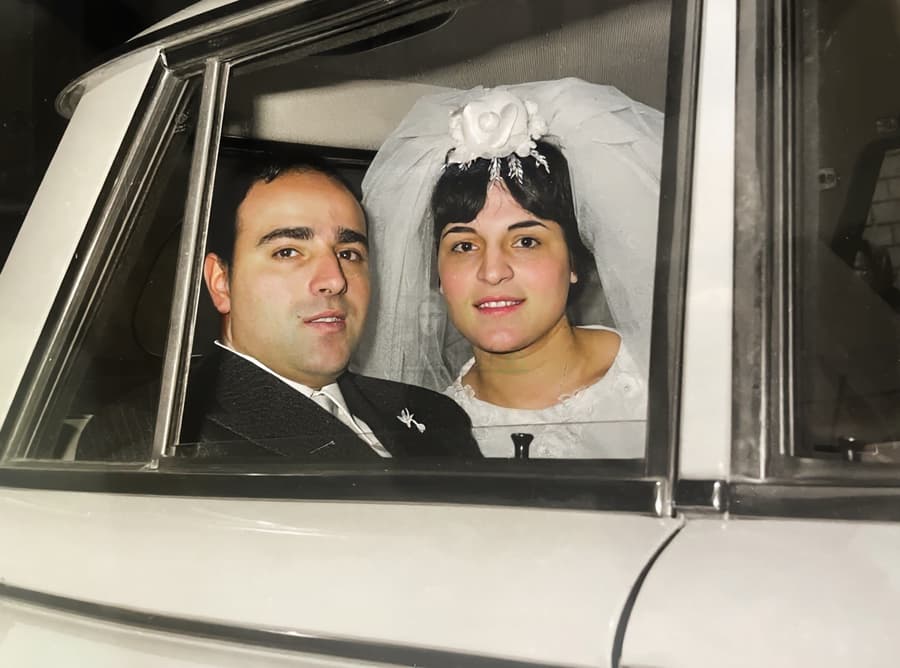
Dust and a crease, repaired in place
Nothing here had to be invented: the dust came off the print, the crease was filled from the emulsion beside it, and both faces are the faces in the original photograph.
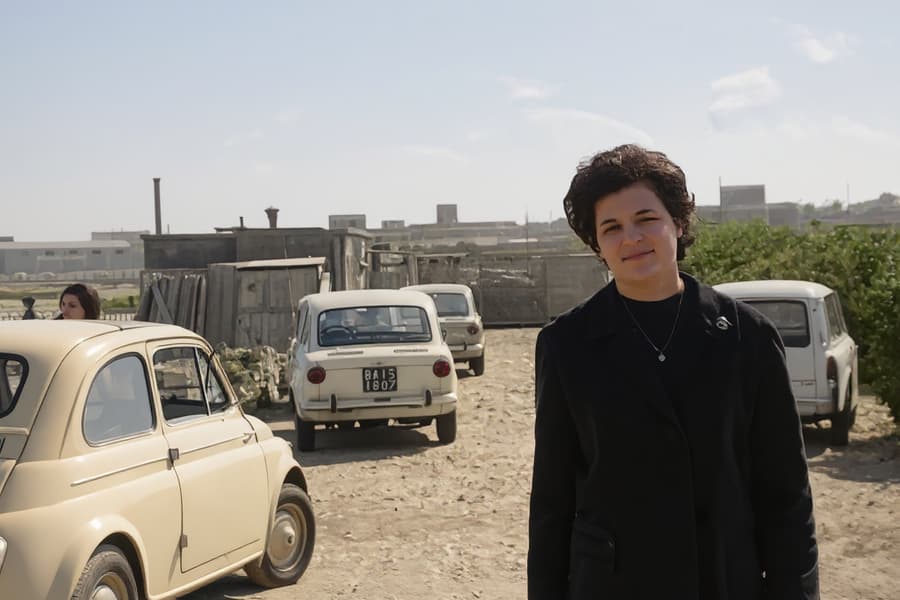
Faded print, contrast recovered
Dye fade is chemistry. Reversing it means modelling how each layer failed — the opposite of inventing a new image from a description.
What happens when you ask Claude to restore a photo
Ask for a restored image and you get a description of how to restore it — the assistant cannot attach what it cannot produce.
A Python script written by Claude to sharpen a photo is a real option, but it runs an ordinary algorithm (unsharp mask, Richardson–Lucy deconvolution, OpenCV inpainting) that you could run without the conversation, and the output is only as good as the algorithm.
The phrase "restored with Claude" in the wild almost always means an agent that called an image API, or a human following instructions — the model planned, something else painted.
Long conversations about a photo produce excellent notes and zero repaired pixels, which is why projects stall after the advice stage.
The division of labour that actually works
Let Claude do the part it is genuinely good at
Upload the scan and ask what it sees: which photographic process this is — albumen, silver gelatin, chromogenic — when the clothing and hair place it, whether the white bloom on the edges is silvering or mould, which damage is reversible and which has destroyed information. Handwriting on the back it will usually transcribe, and translate. This is the archivist step, and it makes every later decision better. None of it touches a pixel.
Then restore the photo where the pixels are
Take the diagnosis to a pipeline that repairs in place: damage first, tone second, colour last. Repairs stay local — the inpainting that closes a tear is guided by the surrounding emulsion, so the face is processed by the same rules as the background. Zoom to 100% on the eyes before and after; same person or a new one is the only test that matters, and it is the one generative tools fail.
Bring the restored file back for the words
Once the photo is repaired, Claude is useful again: write the caption, draft the family-history note, translate the inscription, explain the photographic process to the grandchildren, or write the letter to the cousin who holds the negatives. The image does not change in this step. The archive around it does, and that is usually what gets lost.
Private by design
Auto-deleted in 30 days
50 MB and 8,192 px
The largest photo the uploader accepts
First one is free
No credit card required
Claude and photo restoration — the honest FAQ
Can Claude restore old photos?
No. Claude returns text, not images. It can analyse a photo, date it, read the writing on it, explain the damage and describe exactly how to repair it — but the repaired image has to come from a tool that writes pixels. Any claim of a Claude-restored photograph is really a tool Claude directed, or a person who followed Claude's instructions.
Can Claude edit or generate images at all?
Not image output. It reads images in — that is why it can date a portrait from a collar or spot mould on a scan — and writes text out. This is different from Gemini or ChatGPT, which will hand you a re-drawn image and change the face in the process. Claude's honest answer is the more useful one: it tells you the image cannot be fixed by talking.
Can I get Claude to write a script that restores my photo?
Yes, and it can be a reasonable path for someone comfortable with a terminal. Claude writes Python that applies unsharp masking, Richardson–Lucy deconvolution, or OpenCV inpainting, and you run it locally. Understand what you are getting: an ordinary algorithm with a good author, not a restoration model. It handles light sharpening and small blemishes; it does not reconstruct a torn corner or bring back a face lost to twenty pixels of smear.
What can Claude legitimately do for my old photo project?
Date the photo from clothing, hair and print format. Identify the process, which sets the colour palette a colorisation should use. Read and translate handwriting on the reverse. Explain which of the damages in front of you are recoverable. Write the scanning checklist. Draft the captions and the family-history entry. Sit as a second opinion on a restored result: show it the before and after and ask whether the face is the same person. That last check is worth more than most people expect.
Why do people say Claude restored their photo, then?
Because agents changed the picture. A coding agent running on Claude can call an image API, run a restoration service, or drive Photoshop through a script — so the stack restored the photo and Claude wrote the instructions. In screenshots the distinction disappears, which is exactly why the question keeps being asked. The model in the middle is a planner; the pixels were repaired by something that has a model for pixels.
What should I use instead to restore an old photo?
A tool whose whole job is repair: damage removed in place, tone corrected, resolution rebuilt, faces constrained so they keep the same structure. Pinin runs that pipeline and the first photo is free, which makes the zoom test on the eyes a one-upload experiment rather than a subscription. If your photo needs a museum-grade rebuild with hand-matched paper texture, a manual retoucher is still the better answer — and Claude will help you brief them.
Get the pixels fixed, keep the conversation
Ask the assistant what the damage is, then restore the photo somewhere that writes pixels. First restoration free, no card required.
Restore your first photo for freeWhere this page sends you next
- Can Gemini restore old photos? — the assistant that does return an image — by re-drawing it
- Can Meta AI restore old photos? — the same partly-yes, for the chat apps you already have open
- Can Photoshop restore old photos? — what the work looks like when a person does it in the file
- Can Remini restore old photos? — one tap, real sharpening, and a face it rebuilds for you
- Can ChatGPT restore old photos? — the original page in this family, and why it says no too
- AI photo restoration vs Photoshop — the decision between doing it by hand and having it done