Everything you need to know about Pinin's AI photo restoration: guides, reference, and resources to get the most out of your restoration.
Find documentation by topic to learn how to restore, enhance, and preserve your photos
Batch Processing
Restore multiple photos at once with Pinin batch processing. Learn bulk workflows, settings, and best practices.
1 guide
Colorization
Add natural, historically accurate color to black and white photos using Pinin AI colorization technology.
1 guide
Enhancement & Upscaling
Improve photo quality: sharpen blurry images, increase resolution, fix white balance, and enhance facial details.
1 guide
Getting Started
Set up your account, restore your first photo, and learn the basics of Pinin AI photo restoration.
1 guide
Photo Restoration
Step-by-step guides for repairing damaged photos: removing scratches, tears, creases, and fixing water damage with AI.
6 guides
Pricing & Credits
Understand Pinin pricing plans, credit packs, subscriptions, billing, and how to manage your account credits.
1 guide
Troubleshooting
Resolve common issues, errors, and questions about photo restoration quality, uploads, downloads, and account access.
1 guide
Loading...
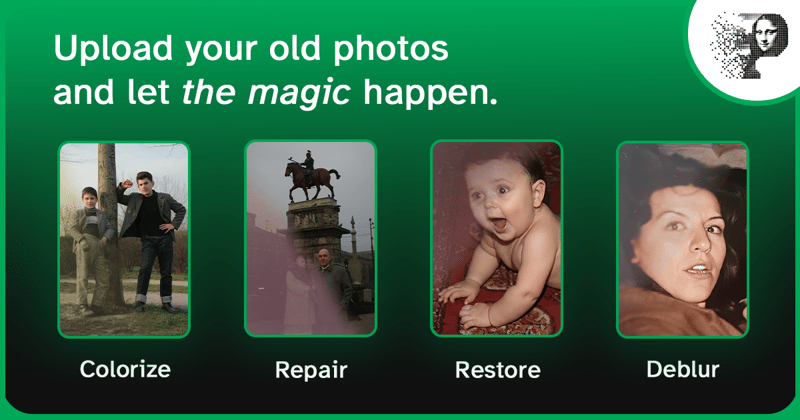
How to Fix Faded Photos — Restore Color and Contrast with AI
Fix faded and yellowed photos with AI color restoration. Learn what causes fading, which photos can be recovered, and how to bring back contrast, color, and detail in seconds.
Loading...
Removing scratches from old photos: what's fixable and what isn't
Which scratches on old photos come out, which leave a trace, and why — a diagnostic look at photo damage, from album-sleeve lines to flaked emulsion.
Loading...
How to Repair Torn Photos with AI — Fix Tears and Rips Without Photoshop
Learn how to repair torn photos with AI: fix rips, missing corners, and creases automatically. Step-by-step guidance for getting a clean, natural result — no Photoshop required.
Loading...
Restoring ancestor photos for family history: period media and identification
How to identify, date, and restore ancestor photos: period formats from daguerreotypes to gelatin silver, identification method, archival metadata, and safe AI repair.
Loading...
How to Restore Photos for Memorials, Funerals & Tributes
Restore photos for memorials, funerals, and tributes with AI. Bring damaged or faded photos of a loved one back to life for a service, memorial video, or keepsake — quickly and gently.
Loading...
How to Restore Wedding Photos — Bring Old Wedding Memories Back to Life
Restore old wedding photos with AI: fix faded color, scratches, and blur on your parents' or grandparents' wedding album. Step-by-step guide for beautiful, natural results.
Loading...
AI photo restoration troubleshooting: why your results look wrong and how to fix them
A practical troubleshooting guide for common AI photo restoration issues — from low-resolution source photos to color calibration errors, visible artifacts, and face recognition failures — with actionable solutions.
Loading...
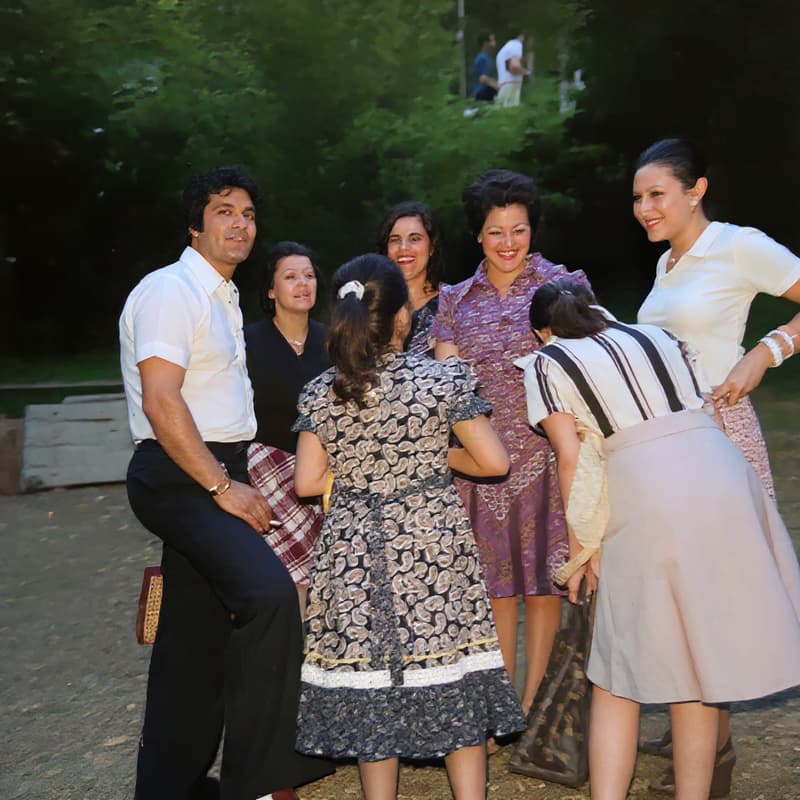
Batch photo restoration: how to restore multiple old photos at once
Restore family albums and photo archives at scale with AI batch restoration — how it works, how to prepare batches for consistent results, and what to expect from automated versus manual batch workflows.
Loading...
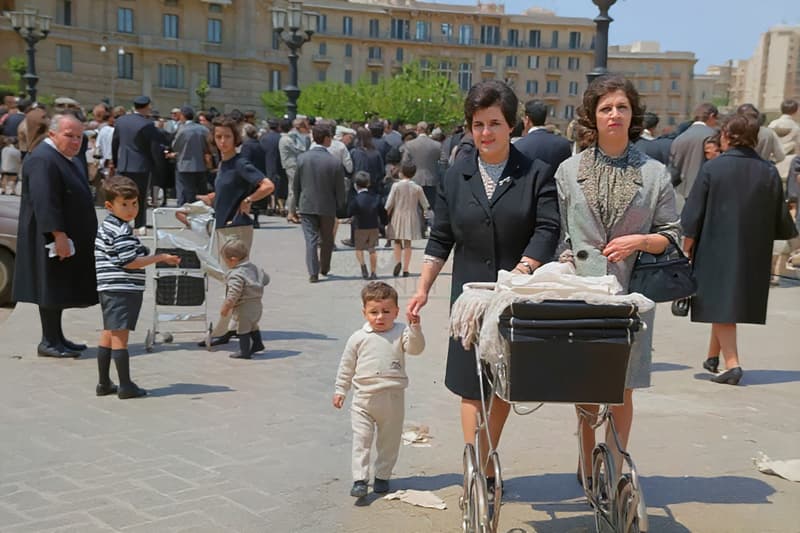
How does AI photo colorization work? The science behind adding color to black & white photos
A technical deep dive into how deep learning models convert grayscale photos into realistic color images — from convolutional feature extraction to chrominance prediction and the honest limits of AI colorization.
Loading...
How Pinin credits work: understand photo restoration pricing and cost
Everything you need to know about Pinin credits — how many credits photo restoration costs, how to check your balance, free vs paid credits, refill options, and tips for getting the most out of each credit.
Loading...

How to upscale old photos: resolution, print sizes and what AI can recover
A technical deep dive into upscaling old photos: pixel counts, the print sizes each resolution can carry, how AI super-resolution rebuilds detail — and what it can never recover.
Loading...
Getting started with AI photo restoration — a complete guide
Learn how to restore old, damaged, and faded photos with Pinin AI. This guide covers how the restoration process works, what types of damage Pinin can fix, tips for best results, and how to get your first photo restored for free.
Try our AI-powered photo restoration service and bring your memories back to life.
Start Restoring Photos