Discover how Pinin.ai transforms damaged, faded, and vintage photos into stunning masterpieces. Every example below showcases real restorations powered by our advanced AI technology.
Real examples, real results
Every photo below represents a real customer restoration. Drag the slider to see the dramatic before and after comparison.
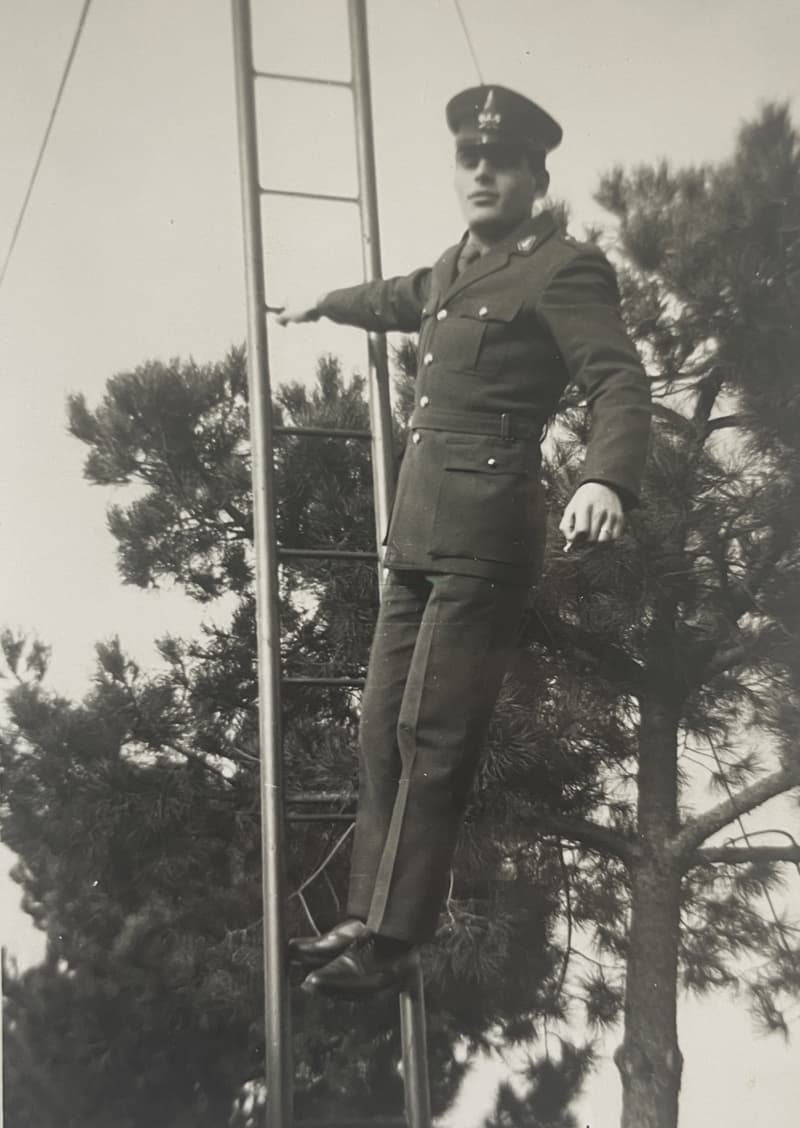
Colorization magic
Transform black and white family photos into vibrant, lifelike memories with historically accurate colors.
AI colorization + enhancement
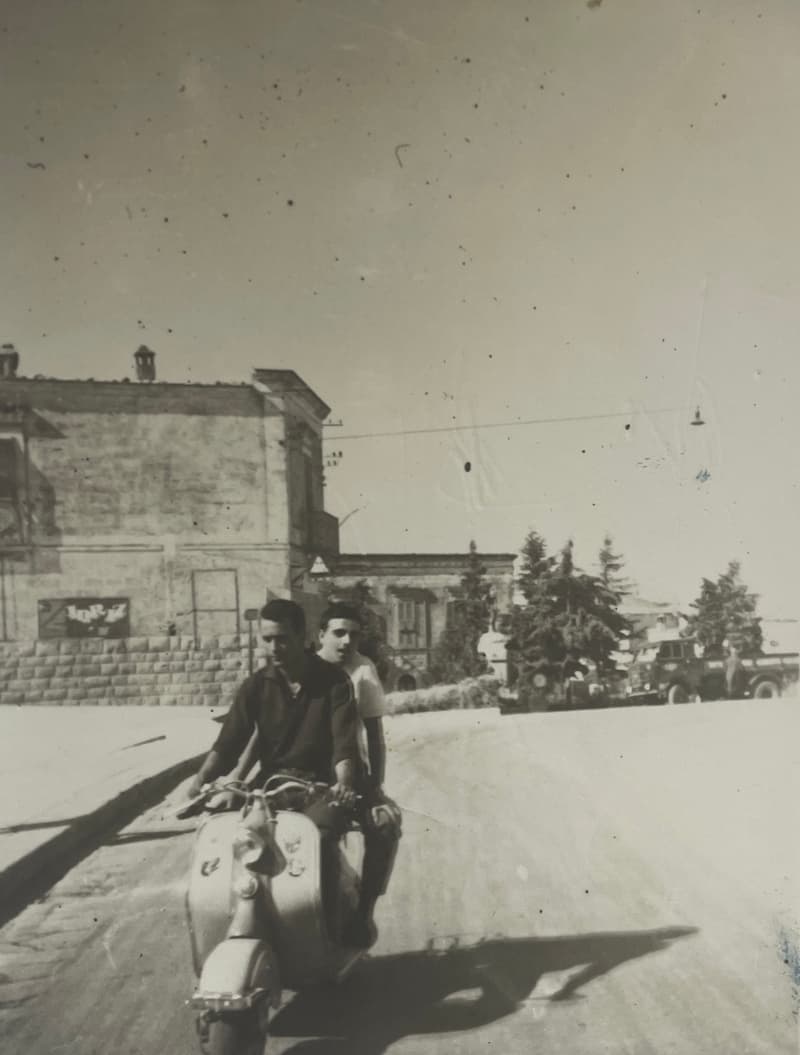
Damage repair
Remove tears, scratches, water damage, and age spots while preserving the original character and emotion.
Damage removal + restoration
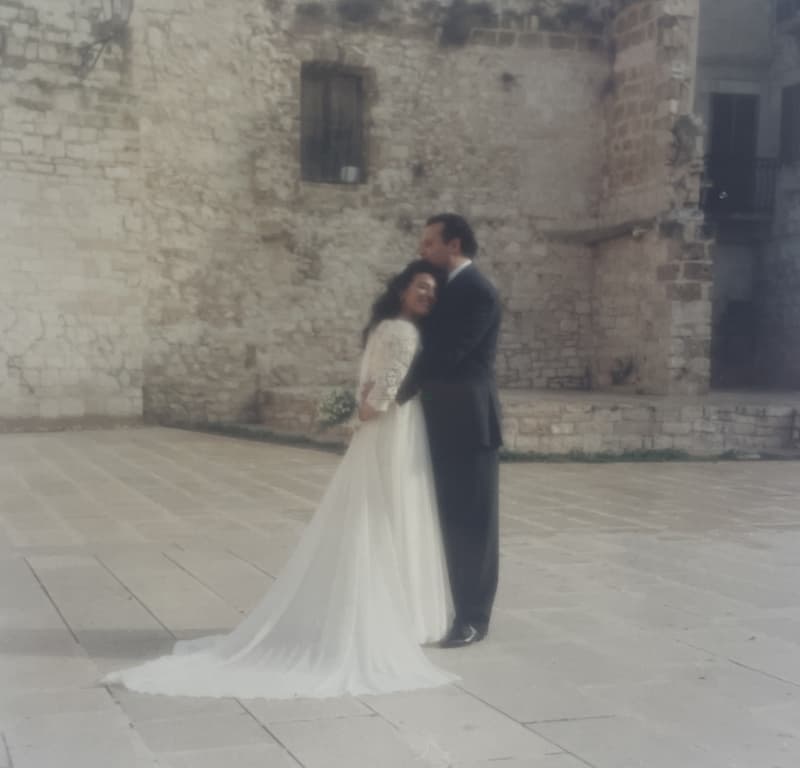
Detail enhancement
Sharpen blurry features, enhance facial details, and bring out hidden textures with precision AI processing.
Detail enhancement + upscaling
.png)
Fade recovery
Restore faded colors, improve contrast, and recover lost detail in vintage photographs.
Color restoration + contrast enhancement
.png)
Professional upscaling
Increase resolution up to 4K while maintaining exceptional quality and adding missing detail.
AI upscaling + quality enhancement
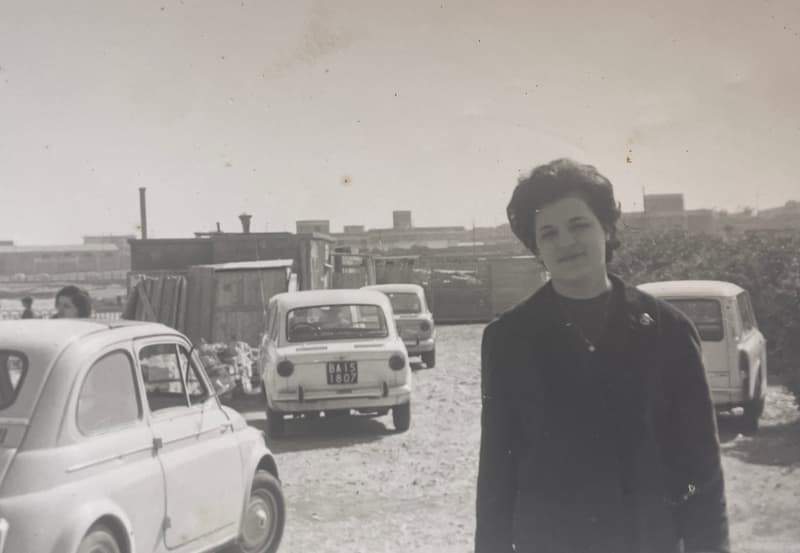
Faithful restoration
Preserve faces, numbers, and small details that would be lost with traditional AI tools.
Full AI restoration suite
What can AI photo restoration actually fix?
More than most people expect. In the galleries below you will see torn family portraits rebuilt, scratched scans cleaned without losing sharpness, black-and-white studio photos colorized with natural skin tones, blurry faces brought back into focus, wallet-size prints enlarged to 4K, and yellowed color casts undone.
Every example is a real photo from a real Pinin user — not a stock mock-up. Each one was processed by the standard one-credit pipeline, the same one your first free photo runs through. Pick the gallery that matches your photo:
- Photo restoration examples — Torn, creased, and water-damaged prints brought back to one clean image
- Colorization examples — Black-and-white portraits brought to life with natural, plausible color
- Blur removal examples — Soft, shaky, and out-of-focus shots sharpened back to crisp detail
- Image upscaling examples — Small, low-resolution images enlarged with natural reconstructed detail
- Scratch removal examples — Scratches, speckles, and cracks erased while the photo underneath stays sharp
- White balance & fade examples — Yellow casts and washed-out color corrected back to natural tones
Browse by restoration type
Every kind of transformation gets its own gallery — pick the one that matches your photo and see exactly what the AI can recover.
.png)
Photo restoration
Torn, creased, and water-damaged prints brought back to one clean image.
View gallery.png)
Colorization
Black-and-white portraits brought to life with natural, plausible color.
View gallery.png)
Blur removal
Soft, shaky, and out-of-focus shots sharpened back to crisp detail.
View gallery.png)
Image upscaling
Small, low-resolution images enlarged with natural reconstructed detail.
View gallery
Scratch removal
Scratches, speckles, and cracks erased while the photo underneath stays sharp.
View gallery
White balance & fade
Yellow casts and washed-out color corrected back to natural tones.
View gallerySee Pinin AI photo restoration in action
Click the green button below to see the power of Pinin. Or try it on your own photos to see the real magic.
.png)
Hundreds of years of history rescued. Start restoring your own photos today.
Try Pinin nowWhy Pinin.ai leads the market
See how Pinin's specialized photo restoration AI compares to other models. Our advanced algorithms deliver unmatched precision in preserving faces and recovering fine details.

Original
The starting point - your precious photo with damage, fading, or poor quality that needs restoration.
Codeformer
Basic face restoration with limited detail enhancement and occasional artifacts in complex areas.
Ddcolor
Automated colorization with generic color palettes that may not match historical accuracy.
ChatGPT
AI-assisted enhancement with good results but lacks specialized photo restoration algorithms.
Pinin
Unparalleled precision with advanced face preservation, historically accurate colors, and museum-grade detail recovery.
What makes Pinin.ai different?
Our AI is specifically trained on historical photographs with advanced face preservation technology.
Face preservation
Advanced algorithms specifically designed to preserve facial features and expressions with museum-grade accuracy.
Detail recovery
Unmatched ability to recover fine details from damaged areas while maintaining photo authenticity.
Historical accuracy
Trained on period-accurate color palettes and restoration techniques for authentic results.
Experience the Pinin.ai difference
See why thousands choose Pinin.ai for their most precious memories. Start with a completely free restoration today.
The Photo Wall
Real photos restored by our community. Each image tells a story of memories brought back to life. This is not just another AI photo restoration service, and it's powered by people like you.
.png)
.png)
.png)
.png)
.png)
.png)
.png)
.png)
.png)
.png)
.png)
.png)
.png)
.png)
.png)
.png)
.png)
.png)

.png)
✨ Join hundreds of users who have restored their precious memories
Questions about our examples
Learn more about our restoration examples and how you can earn free credits by submitting your own photos.
- Are these examples from real customer photos?
- Yes! Every before and after example shown on this page represents an actual customer restoration processed through our AI system. We showcase real results to give you an accurate expectation of our service quality.
- How can I submit my photo for the examples page?
- You can submit your restored photo by uploading it through our submission form. If your photo is selected for our examples page, you'll receive $10 worth of free restoration credits as a thank you for sharing your experience.
- What types of restorations do these examples show?
- Our examples showcase various restoration types including colorization of black and white photos, damage repair (tears, scratches, water damage), detail enhancement, fade recovery, professional upscaling, and comprehensive full restorations that combine multiple techniques.
- Will my photos look as good as these examples?
- Our AI consistently delivers high-quality results across different photo types and damage levels. While results may vary based on the original photo's condition and quality, we strive to achieve the same level of restoration shown in these examples for every customer.
- How do I get $10 in free credits for submitting my photo?
- After restoring your photo with Pinin.ai, you can submit it for consideration on our examples page. If selected, we'll automatically add $10 worth of restoration credits to your account. This helps us showcase real results while rewarding our customers.
- Can I request specific restoration techniques like in these examples?
- You can specify preferences during upload, and our system intelligently combines colorization, damage repair, enhancement, and upscaling based on what your photo needs most. Our AI analyzes your image to apply the optimal restoration techniques automatically.
- How long does it take to get results like these examples?
- Most restorations complete within 1-3 minutes, regardless of complexity. The examples shown here were all processed in under 2 minutes using our standard AI pipeline. Premium subscribers get priority processing for even faster results.
- Do I retain rights to my photo if it's featured in examples?
- Absolutely! You maintain full ownership and rights to your original and restored photos. By submitting for our examples page, you simply grant us permission to showcase the before/after comparison for marketing purposes while crediting your submission.