Restore torn photos — repair rips and tears with AI
A tear through a photograph is not the end of it. Pinin rebuilds what was torn away — faces, backgrounds, clothing — and leaves no visible seam where the rip used to be.
No credit card required. Your photo is deleted after 30 days.
Tears happen in the worst places. A photograph folded to fit a wallet, a print ripped out of an album by a child, a portrait torn in half during a family argument and kept anyway because the person in it mattered more than the damage. Whatever the story, the result looks the same: a bright or dark line across the image, a missing wedge of face or sky, and a photo nobody wants to frame. The old advice was to discard torn prints or hand them to a restoration studio, where physical repair means tape, backing paper, and retouching paint applied by hand over the loss. Digital repair changed the math. Once a torn photo is scanned, the tear becomes a line in the image data — and a line in the image data is something AI can fill. Pinin detects the tear, rebuilds the missing texture from the surrounding image, and reconstructs faces with the same care a conservation studio would, in about thirty seconds instead of three weeks. The first restoration is free.
Torn photos restored — real before and after
Real photographs torn, creased, and damaged across decades — rebuilt by Pinin. Drag the slider to compare the damaged original with the restored result.
.png)
Torn family portrait, rebuilt
A deep tear running across the face and years of handling creases — repaired in one pass without altering the person.
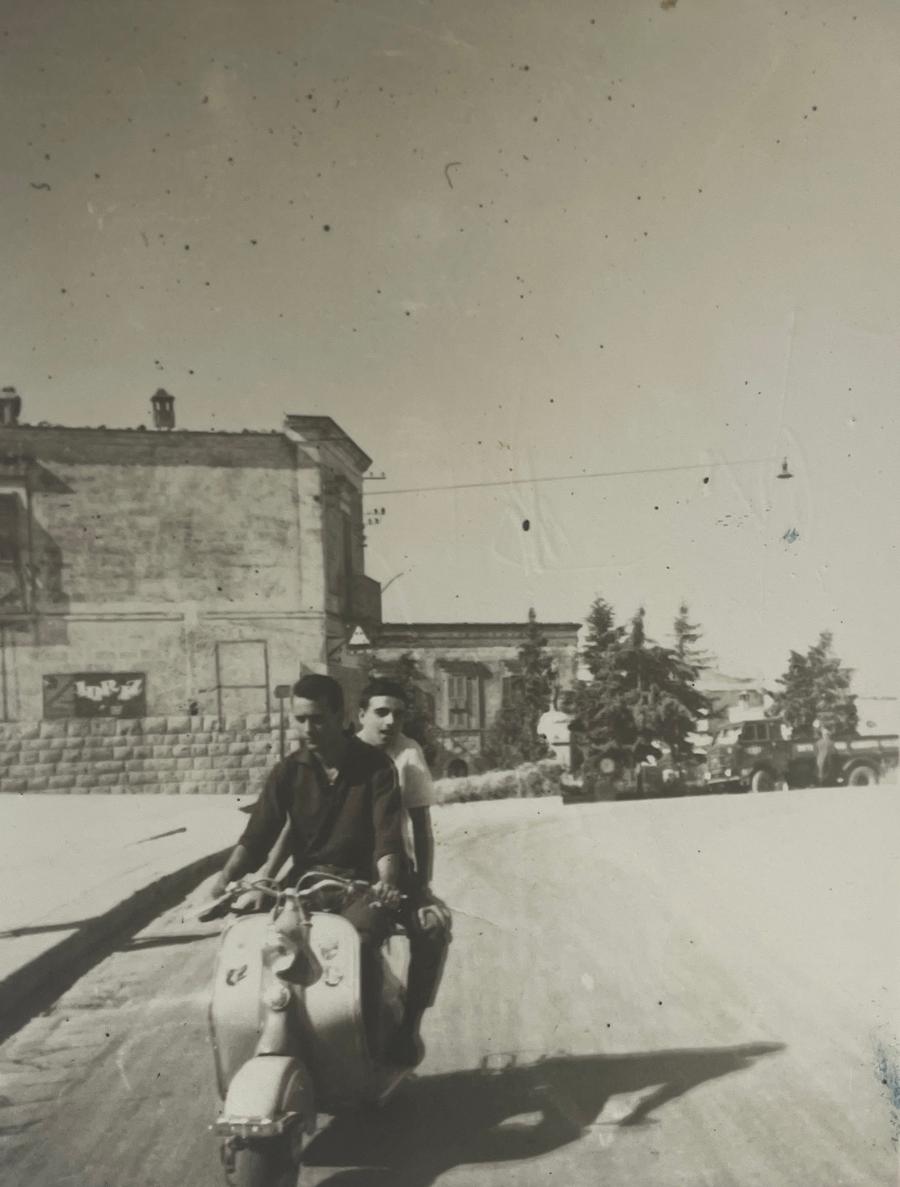
Heavy damage, fully repaired
Scratches, age spots, and surface loss across a worn print — the original character and detail stay intact.
Tear damage Pinin repairs
Tears running straight through a face, where the missing strip must be rebuilt — not just smoothed over
Prints ripped into two or more pieces, with a visible gap where paper is actually gone
Fold lines that eventually split into tears along the crease, leaving a bright ridge and a dark valley
Missing corners or edges from improper storage, framing, or removal from old albums
Tape holding a tear together, leaving yellowed rectangles and adhesive residue in the scan
Curling and flaking along tear edges where the emulsion has lifted away from the paper
Tears that cross handwriting, dates, or studio stamps on the photo you want to keep
Several copies of the same photo, all torn in different places, with no intact version left
How to restore a torn photo with Pinin
Scan the pieces as they are
Do not tape, glue, or trim anything. Lay every piece on the scanner glass, lined up as well as you can, and scan once at 300 DPI or higher. If the pieces do not fit in a single pass, scan them separately — a torn photo does not need to be whole before it is restored. Handle torn prints by the edges; the tear line is the most fragile part of the photograph.
AI maps the tear and rebuilds the loss
Pinin separates the tear from the photograph: the bright ridge, the dark valley, and the missing strip where paper was lost. It then synthesizes new image data into the gap — skin texture across a face, fabric across clothing, sky or wallpaper across the background — matched to the grain, tone, and era of the surrounding image. Faces get dedicated treatment, because a rebuilt face must still look like the person.
Compare, refine, and keep it
Restoration completes in about thirty seconds. Compare the result against the original scan at full size: the tear line should be gone, and the rebuilt area should read as continuous image at normal viewing distance. If a piece is badly misaligned, rescan and let the AI work from a cleaner layout. Download the restored file — the original is auto-deleted after 30 days.
Private by design
Auto-deleted in 30 days
30 seconds or less
Most photos restored instantly
First one is free
No credit card required
Torn photo repair — what to know
Can a torn photo really be repaired, or is it gone for good?
In almost every case it can be repaired digitally. A tear damages the paper, not the memory — and once scanned, the damage becomes data that AI can reconstruct. Narrow tears close cleanly; wider gaps where paper is missing are rebuilt with synthesized texture that matches the surroundings. The exceptions are large missing regions with no surviving image data at all, where the AI produces a plausible reconstruction rather than a recovered one. For typical family photo tears — through a face, a background, or a corner — the repair is usually invisible at normal viewing distance.
My photo is torn in half. Should I tape it together before scanning?
No. Tape adds two new problems — adhesive residue and a visible plastic edge — on top of the tear you already have. Lay the pieces on the scanner glass aligned as closely as you can, without overlapping, and scan them in one pass. The AI closes the join digitally. If the pieces cannot fit together in one scan, scan them separately; the restoration works from the pieces as they are. Physical taping is only ever reversible archival tape applied by a conservator, and even that is unnecessary before digital repair.
The tear goes right through my grandmother’s face. Can AI rebuild it?
Yes — this is the most common torn-photo case, and the one the restoration handles most carefully. The AI reconstructs the missing strip of skin, and facial features, from the geometry on both sides of the tear: the visible eye guides the rebuilt one, the surviving half of the smile guides the other. For tears a few millimetres wide the result is typically seamless. For wider losses the reconstruction is convincing but may soften fine detail like individual eyelashes. Family members who knew the person rarely notice anything; the identity in the face survives the tear.
Will the restored photo show a seam where the tear was?
Not at normal viewing or printing size. The rebuilt area is synthesized to match the surrounding image in grain, tone, and texture, and the tear line itself — the bright and dark edges of the torn paper — is removed as part of the repair. Under extreme magnification a very wide tear may show slightly softer texture than the untouched areas nearby, the way any reconstructed detail does. At print size, in an album, or on a wall, the tear is gone.
What if pieces of the photo are missing entirely?
Missing corners and edge losses are the easiest case — the AI extends the image content plausibly into the gap, usually reconstructing sky, wallpaper, or studio backdrop. Missing areas over faces or central subjects are rebuilt from the surrounding anatomy and context, which works well for narrow losses. If a large central piece is gone, Pinin still produces a complete, displayable photo — just know that the rebuilt region is an informed reconstruction, not recovered detail. Scanning every surviving fragment, however small, gives the AI more to work with.
How much does torn photo restoration cost?
Your first restoration is completely free — no credit card required. After that, one credit per photo regardless of how badly it is torn: $1.50 each, or volume packs of 5 credits for $5.99 and 20 credits for $19.99. The monthly plan at $12 includes 30 credits, made for families working through a whole album of damaged prints.
The tear was not the end of the photo
Upload your torn photo and see it whole again in about thirty seconds. First restoration free.
Restore your first photo for freeTrusted by families, historians, and photo enthusiasts worldwide