Restore mold damaged photos — clean the bloom, keep the picture
Mold eats the emulsion first and the image second. Pinin removes the bloom, the speckling, and the staining mold leaves behind — without touching the faces underneath.
No credit card required. Your photo is deleted after 30 days.
Mold finds photographs the way it finds nothing else in a box. Album pages stored in a damp basement, prints stacked while still slightly damp from a flood, a shoebox in a garage that took one rainy summer — open any of them and the damage announces itself as a white or grey bloom, a constellation of spots, or entire corners gone fuzzy and stained. Here is what matters: mold damage on a photograph is usually worse on the surface than in the image. The emulsion takes the hit first, which is why the speckling and bloom look so dramatic — but the silver gelatin or dye layer holding the picture often survives underneath. Scanning the print captures whatever image data remains, and once the photo is scan data, the mold becomes something AI can separate from the picture and remove. Pinin cleans the bloom, fills where speckling ate into detail, and evens out the staining — in about thirty seconds, without solvents or cotton swabs anywhere near the original. The first restoration is free.
Mold and surface damage removed — real before and after
Real prints with speckling, surface bloom, and emulsion damage — cleaned by Pinin. Drag the slider to compare the damaged original with the restored result.
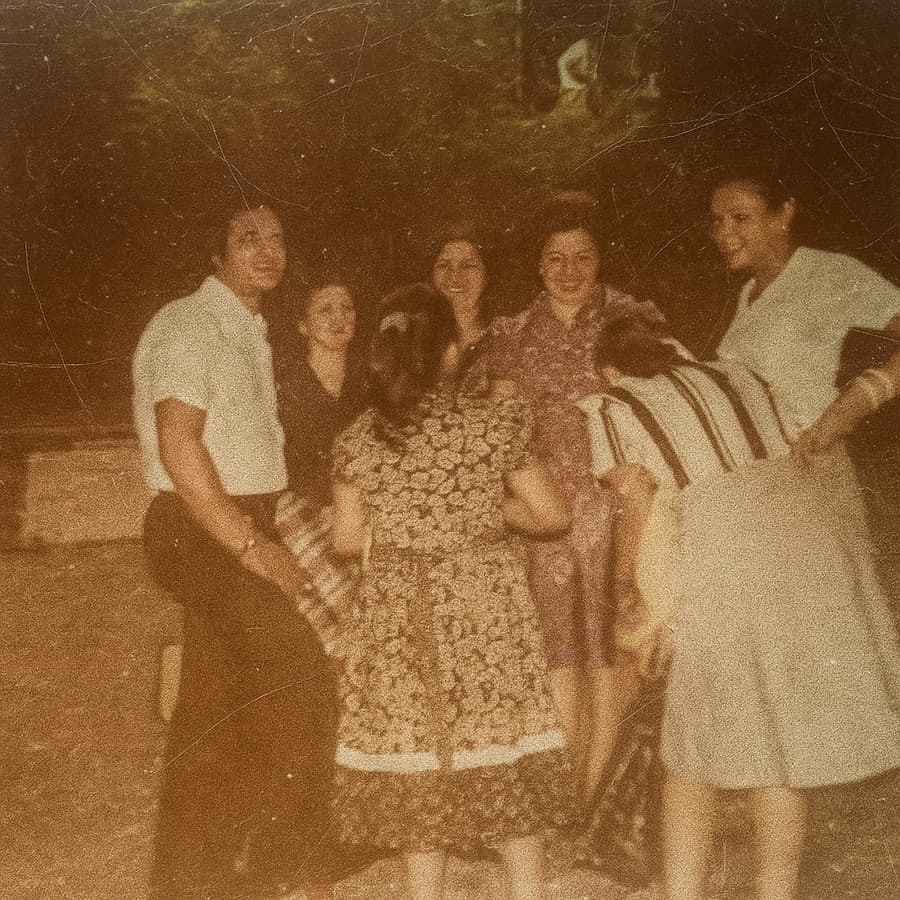
Speckled scan, cleaned
White speckling and dust across a scanned print — removed down to clean, continuous detail.
.png)
Damaged portrait, revived
A black and white studio portrait with surface damage and staining — the people come back first.
Mold damage Pinin cleans
White or grey bloom spreading across the surface — the classic sign of active mold feeding on the emulsion
Speckled clusters of spots where mold colonies have eaten pits into the image layer
Brown, yellow, or purple staining where mold has bleed through the paper from the back
Fuzzy patches along the edges and in album-spine areas where moisture sat longest
Prints that smell musty and shed powder when handled — mold already loosening the emulsion
Whole albums affected at once, every page touched to a different degree
Mold damage combined with water staining from the same damp event
Photos worth saving but too fragile to clean by hand without losing surface detail
How to restore a mold damaged photo with Pinin
Stop the mold, then scan safely
Let any actively moldy prints dry fully in open air first — never seal a damp print in plastic, and do not brush it indoors where spores spread. Once dry, scan at 300 DPI or higher with the print flat on clean glass. Wipe the scanner glass after each pass. The scan is what Pinin works from, so the original never needs risky wet-cleaning before digitizing.
AI separates the mold from the image
Pinin reads the damage layer the way a conservator does: bloom and speckling are high-frequency surface artifacts, staining is a broad low-frequency cast, and both sit on top of the actual photograph. The restoration removes them independently — speckles are inpainted from surrounding texture, stains are neutralized to true paper white — so the faces, clothing, and backgrounds under the mold come back as themselves.
Review, download, and store it right
The clean version is ready in about thirty seconds. Check it at full size: the spots should be gone, and tone should read even where staining used to be. Download the restored file, then handle the physical original with the lesson learned — cool, dry, and off the basement floor. The original scan is auto-deleted after 30 days.
Private by design
Auto-deleted in 30 days
30 seconds or less
Most photos restored instantly
First one is free
No credit card required
Mold on old photos — what to know
Can photos with mold damage actually be restored?
Usually yes, and often completely. Mold attacks the surface of a photograph first — the bloom and speckling you see is damage to the emulsion layer, while the image data underneath frequently survives. Once the print is scanned, that surviving data is what AI restores from: the mold layer is removed digitally and gaps where mold ate into detail are filled from surrounding image. Heavily eaten areas over faces get reconstructed rather than recovered, but for most mold-damaged prints the cleaning is close to invisible in the final result.
How do I remove mold from photographs without ruining them?
Dry first, scan second, clean digitally. Never wipe, wash, or apply solvent to a moldy print — active mold smears, and moisture feeds it back. Let the print dry completely in open air, then scan it flat at 300 DPI or higher. Digital removal is safer than any physical cleaning because it touches only the scan, not the fragile original. If you want the physical print treated as well, that is conservator work after the digital copy is already safe.
Is mold on old photos dangerous to handle?
Treat it with respect. The mold on photographs is the same household mold that irritates airways and allergies, and a closed box of affected prints can carry a musty load of spores. Open the box in a ventilated space, wear a dust mask if the smell is strong, and avoid handling the prints before they are dry. Once scanned and restored digitally, you never need to touch the originals again — but dry them and isolate them from other photos in the meantime.
What is the white film on my old photographs?
That white or grey bloom is almost always mold growth or emulsion deterioration, and the two look similar in a scan. Mold bloom tends to appear in clusters and spread from damp points like album edges; emulsion bloom follows handling and storage wear. The good news: AI restoration treats them the same way — as a surface layer to remove. You do not need to diagnose it before restoring; scan it and let the cleaning handle both.
Can mold damage be prevented after restoration?
Yes — mold needs moisture and stillness. Store prints and albums somewhere cool and dry with steady temperature, in archival boxes or sleeves rather than plastic that traps humidity, and off basement and garage floors. If a photo has been wet, dry it fully before storing it. Every restored file you keep digitally is also insurance: even if the physical print is lost to a future bloom, the restored image survives.
How much does mold damage restoration cost?
Your first restoration is completely free — no credit card required. After that it is one credit per photo regardless of how heavy the mold damage is: $1.50 each, or volume packs of 5 credits for $5.99 and 20 credits for $19.99. The $12 monthly plan with 30 credits suits whole albums of mold-affected prints, which is common after one damp storage event.
The mold does not get the last word
Scan the print, upload the scan, and see it clean again in about thirty seconds. First restoration free.
Restore your first photo for freeTrusted by families, historians, and photo enthusiasts worldwide