Can Copilot restore old photos? It reads them, then repaints them
Copilot is two tools wearing one name: an assistant that will describe, date and transcribe a photograph with real accuracy, and an image generator that will cheerfully hand back a different photograph in the shape of yours.
No credit card required. Your photo is deleted from storage within 30 days.
Ask Copilot to restore an old photo and it will do something. What it does is the part to understand first, because Microsoft's own help describes the route: you upload an image and ask Copilot to transform it. Transformation is generation. The model does not go through your file repairing what is there; it produces a new image from your description, conditioned on the photograph you supplied.
On a simple subject the difference is invisible. A clean scan of a building, a car, an empty landscape: the model has very little to invent, so what comes back looks like your photo, improved. Put a 1958 wedding portrait in front of it instead — two faces at small size, a crease across the shoulders, a garden with a gate behind — and the number of plausible next pixels explodes. Fog, foliage, fabric, hair, skin: those are exactly the regions where a generative model stops referring to your print and starts referring to its training. The face comes back looking like a face. Not necessarily hers.
The same product is genuinely excellent at the other half of the job. Ask it to read the date stamp on a print border, transcribe the writing on the back, identify a uniform, name the car, or sort three hundred unsorted scans into decades, and it is faster and more accurate than almost anything else you can point at the problem. On Windows it is already on the machine, which matters when the file is a family photograph you would rather not upload somewhere. That is archival work — the librarian's work — and it is not restoration. A restoration changes the file. An assistant changes what you know about it.
A repair in place, next to an assistant's re-draw
Both pairs start from the same problem: an old print that no longer looks like the moment it recorded. The first is what happens when the file itself is repaired. Look at the fold across the print, then at the face above it.
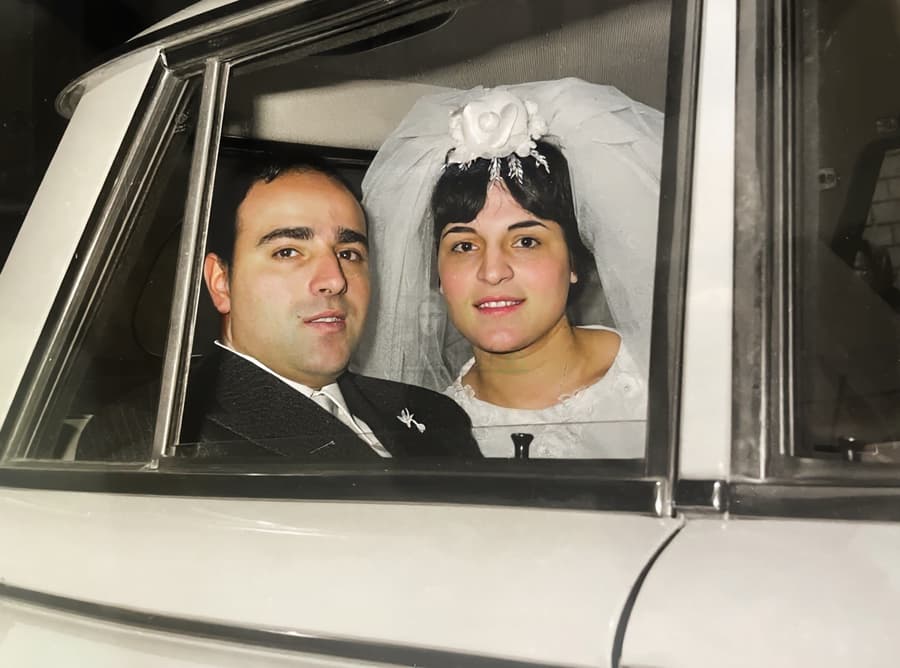
Damage removed, the photograph kept
The crease across the shoulders and the dust across the print are gone, and the film's own colour is back. Nothing in the frame was replaced: the fabric, the hair and both faces are the ones on your print.
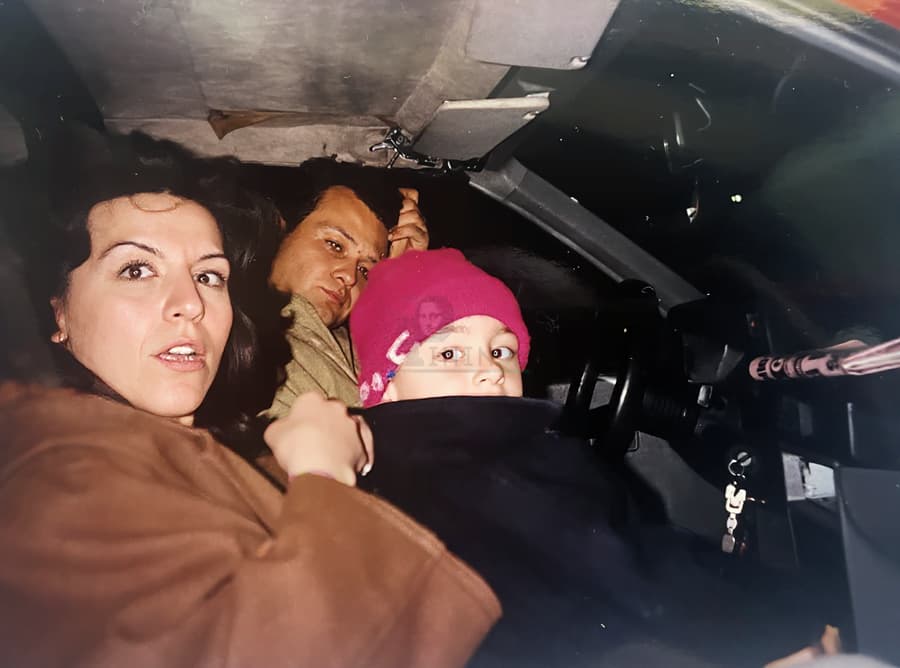
Clarity recovered rather than invented
A soft print sharpened back to something you can read on the sign at the back of the frame, without the smoothing a generator applies to skin. Zoom to 100%: the detail was in the file, so it is in the result.
Where the assistant runs out of darkroom
The word “edit” covers two different operations: a real edit, such as crop, straighten or exposure, and a generated re-draw. Ask for the second while believing you asked for the first and you get a different photograph.
Uploaded images come back as generated output, sized to the model's canvas rather than to the pixel count a print needs. A chat reply is a picture, not a measurement, and it cannot be asked to deliver 2,400 pixels of the same face.
Nothing in the contract ties the returned face to the person in the print. The features are consistent with the model's training and with whatever shape survived; they are not anchored to your file, and the drift is silent.
Damage is filled rather than repaired. A tear through a sleeve, a missing corner, a water stain across a dress: the model produces something plausible for that area instead of rebuilding the structure that surrounds it.
Windows Photos ships Generative Erase, which works the same way, and it is worth recognising before you use it: you remove an object and the area behind it is invented. Excellent for a stranger in a holiday photo. Wrong for a tear across an arm.
It is not an archive. Microsoft's own help states that uploaded and generated images are available for a short time, no longer than eighteen months, and may be used to improve the product, with a manual opt-out if you do not want your conversations used for training.
A prompt is not a recipe. “Make it look professional” returns a different result each run, so the restoration you were happy with last week cannot be reproduced today.
Reading with Copilot, repairing with something else
Use it for the archive, not the artifact
Point Copilot at the shoebox, not the heirloom. Reading a date stamp, transcribing the back of a print, identifying a uniform, sorting scans into decades: that is text work, and text is where it is strong. Verify the guess yourself, then record it beside the file where the next generation will find it.
Ask for the verb you actually want
“Describe this photo”, “read the handwriting”, “what year is that dress from” return knowledge. “Restore this photo”, “make it look better”, “transform it” return a new image — and the moment a new image exists, pixels have been invented. Keeping those two instructions apart is the whole skill.
Restore the file where the file is still the source
Keep the high-resolution scan, and have that repaired in place: damage rebuilt from the print's own surrounding structure, faces constrained to the original rather than regenerated, and output sized for the print you intend to make. Then run the comparison at 100% on the eyes — where the difference between a repair and a re-draw is impossible to miss.
Private by design
Auto-deleted in 30 days
50 MB and 8,192 px
The largest photo the uploader accepts
First one is free
No credit card required
Copilot and old photos — the honest FAQ
Can Copilot restore old photos?
It will accept the photograph and hand one back, but the route it uses turns the photo into a generated image — Microsoft's own help describes uploading an image and asking Copilot to transform it. For describing, dating, transcribing and sorting a family archive, Copilot is genuinely one of the best tools available. For repairing the print you intend to frame, the answer is no, because the result is a new picture rather than your picture, repaired.
Does Copilot change the person's face?
When it is asked to make a portrait look better, yes — because the output is generated rather than derived. A face produced by a generative model is consistent with its training data; it is not constrained by your print. Compare the two at 100% and watch the eyes, the ears and the hairline. On a clear face the change can be slight. On a degraded one it is a substitution.
Can Copilot repair a torn or water-damaged photo?
No. An edit that fills an area has to invent the content of that area. Windows Photos' Generative Erase is explicit about this: remove an object and the background behind it is generated. That is the right tool for a tourist in a holiday photo and the wrong one for a tear through an arm, where what is needed is structure rebuilt from the print around the damage.
Is Copilot free for photo work?
There is a free tier with limits on image generation and paid tiers above it, and the photo features built into Windows add their own conditions. None of that changes the answer for restoration: at every tier the image path generates, so paying more buys more generation, not more repair.
Can Copilot make an old photo printable?
Not to a print specification. Generated images arrive at the generator's own size and shape, and the model is not built to hit an exact pixel count of the exact original subject. A 300 dpi 8×10 inch print needs roughly 2,400 by 3,000 pixels of the real photograph. For a screen, the difference rarely shows; in a frame, it does.
What should I use instead of Copilot for old photos?
A pipeline that repairs in place rather than regenerating: damage rebuilt from the print's own pixels, tone and colour recovered from the file, faces left as they were, and output sized for the print. That is what we built Pinin to do, the first restoration is free, and you can run the same 100% eye test on the result before deciding anything.
Still the same photograph
Copilot will tell you what is in the picture. Pinin repairs the file it came from — damage rebuilt from the print's own structure, faces left as they were, output sized for a print. First restoration free, no card required.
Restore your first photo for freeWhere this page sends you next
- Can Grok restore old photos? — the same re-draw, trying harder to please
- Can Canva restore old photos? — a design tool with a restore button attached
- Can Picsart restore old photos? — one tap, and the face it decides on
- Can Midjourney restore old photos? — generation with no repair claim at all
- Can Lightroom restore old photos? — the tone half of restoration, done properly
- Can ChatGPT restore old photos? — the same assistant problem, one platform over
- Free photo restoration — the first restoration costs nothing