Blurry photo fix — before and after examples
Soft focus, camera shake, and motion blur — reversed. These are real blurry photos from real users, sharpened by Pinin without the oversharpened "AI look".
Yes — AI can fix a blurry photo. Pinin classifies the blur type first (motion, focus, or compression) and reverses it directionally, so faces come back crisp without halos or plastic skin. Try it on your own photo: your first photo is free and takes about 30 seconds — no editing skills needed.
Before and after examples
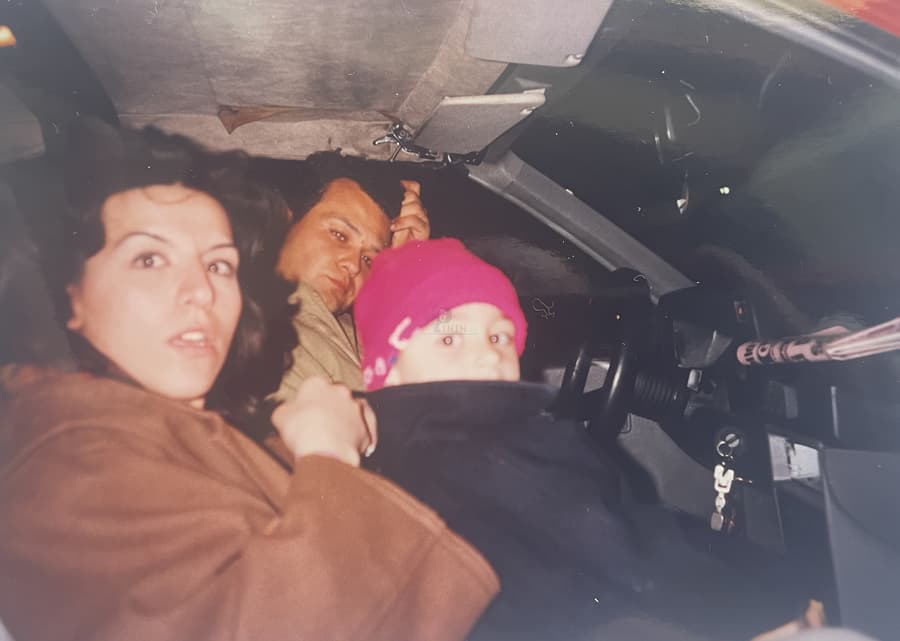
Soft portrait, sharpened
A face lost to soft focus, brought back to natural crispness — no halos, no plastic skin.
.png)
Low-detail snapshot, clarified
Blur and compression artifacts cleaned up while real texture — hair, fabric, eyes — is preserved.
Three kinds of blur, three different fixes
Not all blur is the same, and treating it as one problem is why simple sharpen filters fail. Motion blur smears detail in one direction — the engine estimates the shake vector and reverses it. Out-of-focus blur is uniform softness — the model reconstructs the high-frequency edges the lens never captured. Upscaling artifacts and compression haze sit on top of both and are cleaned separately.
Pinin classifies the blur type before fixing it, which is why the results look focused rather than sharpened. The difference is easiest to see in eyes and text: real recovery produces crisp boundaries, while naive sharpening produces bright halos.
- Motion blur: direction-aware deblurring, not uniform sharpening
- Focus blur: edge and texture reconstruction from learned context
- Faces sharpened with a dedicated face model so portraits look alive
- No oversharpening halos, no crunchy edges, no plastic skin
How the examples on this page were made
Every pair is a real user upload processed with the standard pipeline — one credit, no manual tuning. Drag each slider to compare the original blurry photo with the sharpened result.
Frequently asked questions
Can AI really fix a blurry photo?
For most blur, yes. Models trained on millions of sharp/blurry pairs can reverse motion blur and reconstruct out-of-focus detail. The limit is extreme blur where no recoverable information remains — a totally smeared face cannot be invented, but nearly everything short of that improves dramatically.
Will the sharpened photo look artificial?
Pinin is trained to restore natural texture, so results look like a properly focused original rather than an oversharpened filter. If a photo looks over-processed, it is usually a sign of a simpler tool applying a uniform sharpen mask.
Can you fix a blurry face in a group photo?
Yes. A dedicated face-enhancement engine sharpens faces specifically — eyes, hairlines, and skin texture — which is where generic sharpening does the most damage. Group shots with one soft face are a common fix.
Is blur removal free to try?
Yes — your first photo is free, no credit card required. Upload the blurry image and download the sharpened result in seconds.
Can blur removal also upscale my photo?
Yes, sharpening and upscaling run together in the enhancement pipeline. A small, soft photo comes out both larger and crisper — see the upscaling gallery for examples focused on resolution.
Unblur your photo — free
Upload your photo and see this transformation on your own image in seconds. First photo free — no credit card required.
More before & after galleries
.png)
Photo restoration
Torn, creased, and water-damaged prints brought back to one clean image.
View gallery.png)
Colorization
Black-and-white portraits brought to life with natural, plausible color.
View gallery.png)
Image upscaling
Small, low-resolution images enlarged with natural reconstructed detail.
View gallery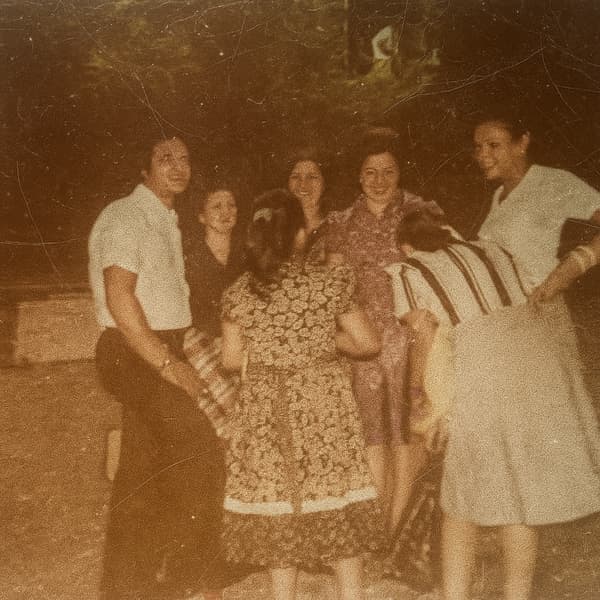
Scratch removal
Scratches, speckles, and cracks erased while the photo underneath stays sharp.
View gallery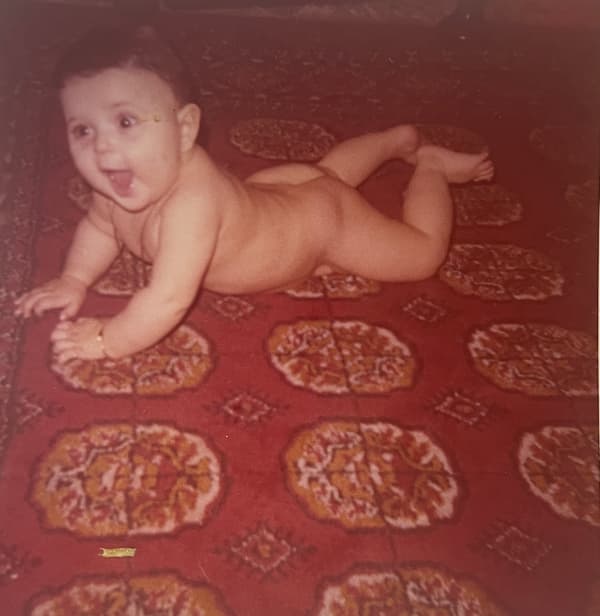
White balance & fade
Yellow casts and washed-out color corrected back to natural tones.
View galleryKeep restoring with Pinin
One credit per photo. Your first restoration is free.