Image upscaling before and after examples
Small scans and low-resolution files, enlarged to print-ready size with detail that was never in the original — reconstructed to look like it was.
Yes — AI upscaling can enlarge a small photo up to 4x for printing at 8x10 or larger, reconstructing fine detail (eyelashes, fabric, brick) instead of just stretching pixels. Try it on your own photo: your first photo is free and takes about 30 seconds — no editing skills needed.
Before and after examples
Small print, enlarged for printing
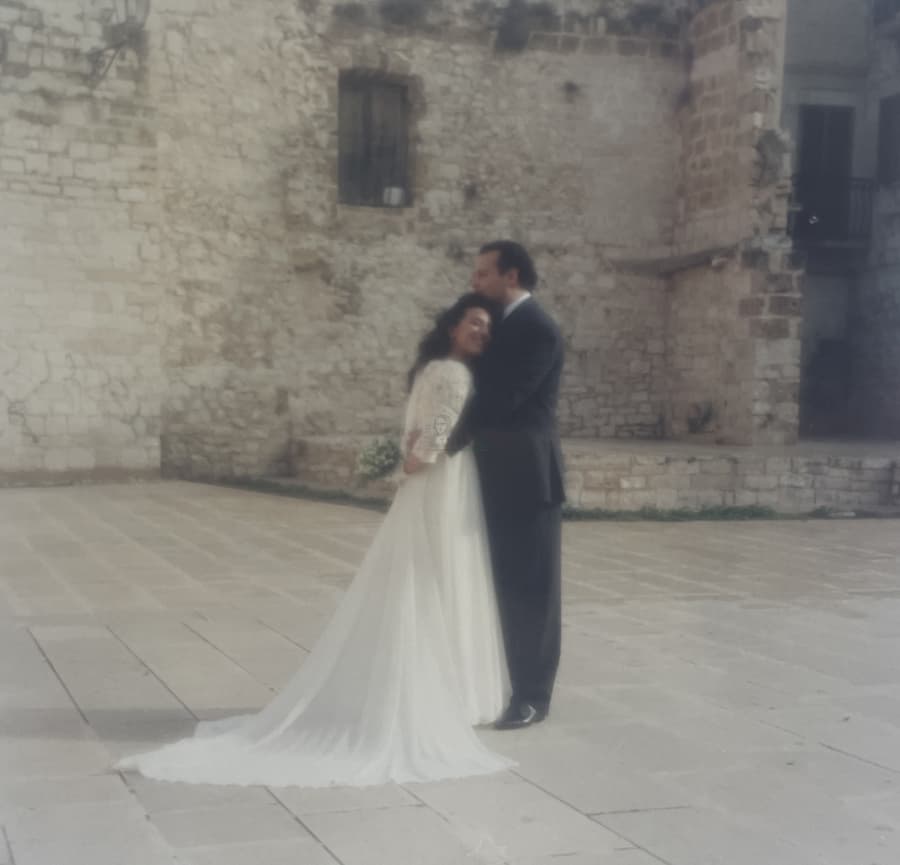
A wallet-size scan upscaled to frame-worthy resolution with believable fine detail.
.png)
Low-resolution file, detail recovered
Resolution added without the waxy, painted look standard interpolation produces.
Upscaling that adds detail, not just pixels
Classic enlargement stretches existing pixels and the result is exactly what you expect: soft, blocky, or waxy. Pinin’s upscaler is generative — trained on millions of photo pairs, it predicts what the fine detail (eyelashes, fabric weave, brick texture) would look like at the target size and reconstructs it.
The discipline is knowing when to stop. Detail is added only where the image supports it and kept faithful to the original elsewhere, which is why upscaled photos read as a better scan of the same photo — not as a re-illustration of it.
- Up to 4x enlargement in a single pass
- Detail synthesized from learned photo statistics, not stretched pixels
- Faces upscaled with a dedicated model to stay lifelike at large sizes
- Output prepared for print: clean edges, no ringing, no compression haze
How the examples on this page were made
Each pair is a real user upload upscaled with the standard pipeline — one credit covers enhancement and upscaling together. Drag the slider to compare the original resolution with the enlarged result.
Frequently asked questions
How large can I upscale a photo?
Pinin upscales up to 4x in a single pass — a 500px scan becomes a 2000px image suitable for 8x10 printing. Larger enlargements are best done as a second 2x pass to keep detail natural.
Does upscaling make photos look fake?
Not with Pinin. The detail added is statistically plausible and applied with restraint, so the result reads as a sharper scan of the same photo. The waxy, over-painted look comes from upscalers that hallucinate aggressively without a faithfulness constraint.
Can I upscale an old photo to print it?
That is one of the most common uses. A typical 400–800 DPI-equivalent scan upscaled 4x prints cleanly at 8x10 or larger. Your first upscale is free, so you can test the exact photo before spending anything.
What is the difference between upscaling and sharpening?
Sharpening increases contrast at existing edges; upscaling increases resolution — new pixels with new detail. Pinin does both in one pipeline because low-resolution photos almost always need both.
Does upscaling work on phone screenshots and social media images?
Yes. Compressed, heavily downsampled images are a common input. The engine cleans compression artifacts while rebuilding detail, which is why screenshots come out noticeably cleaner rather than just bigger.
Upscale your photo — free
Upload your photo and see this transformation on your own image in seconds. First photo free — no credit card required.
More before & after galleries
.png)
Photo restoration
Torn, creased, and water-damaged prints brought back to one clean image.
View gallery.png)
Colorization
Black-and-white portraits brought to life with natural, plausible color.
View gallery.png)
Blur removal
Soft, shaky, and out-of-focus shots sharpened back to crisp detail.
View gallery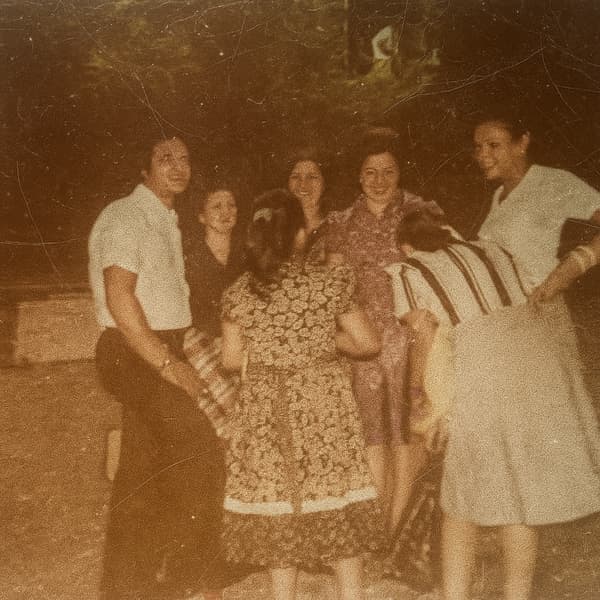
Scratch removal
Scratches, speckles, and cracks erased while the photo underneath stays sharp.
View gallery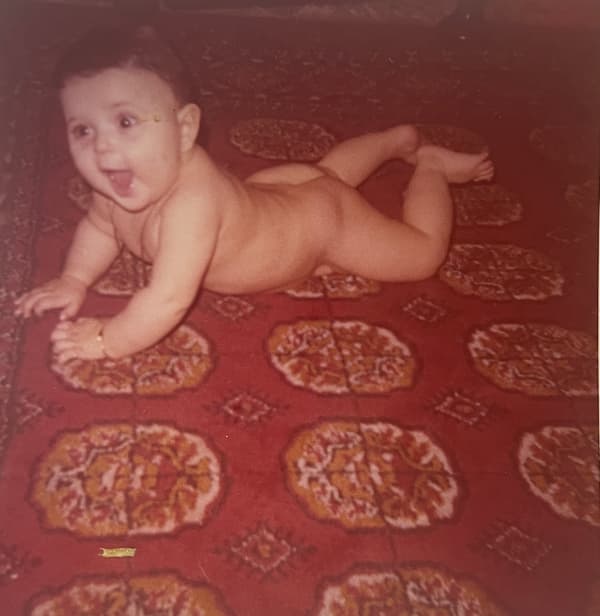
White balance & fade
Yellow casts and washed-out color corrected back to natural tones.
View galleryKeep restoring with Pinin
One credit per photo. Your first restoration is free.