Photo restoration before and after examples
Tears, creases, stains, and decades of wear — repaired in one pass. Every slider below is a real photo from a real Pinin user. Drag to compare.
Yes — AI photo restoration can repair torn, creased, and stained prints. The engine detects the damage layer, rebuilds what is missing from the surrounding image, and leaves faces untouched. Try it on your own photo: your first photo is free and takes about 30 seconds — no editing skills needed.
Before and after examples
Torn family portrait, repaired
A deep tear across the face and decades of creases, rebuilt without changing the person.
.png)
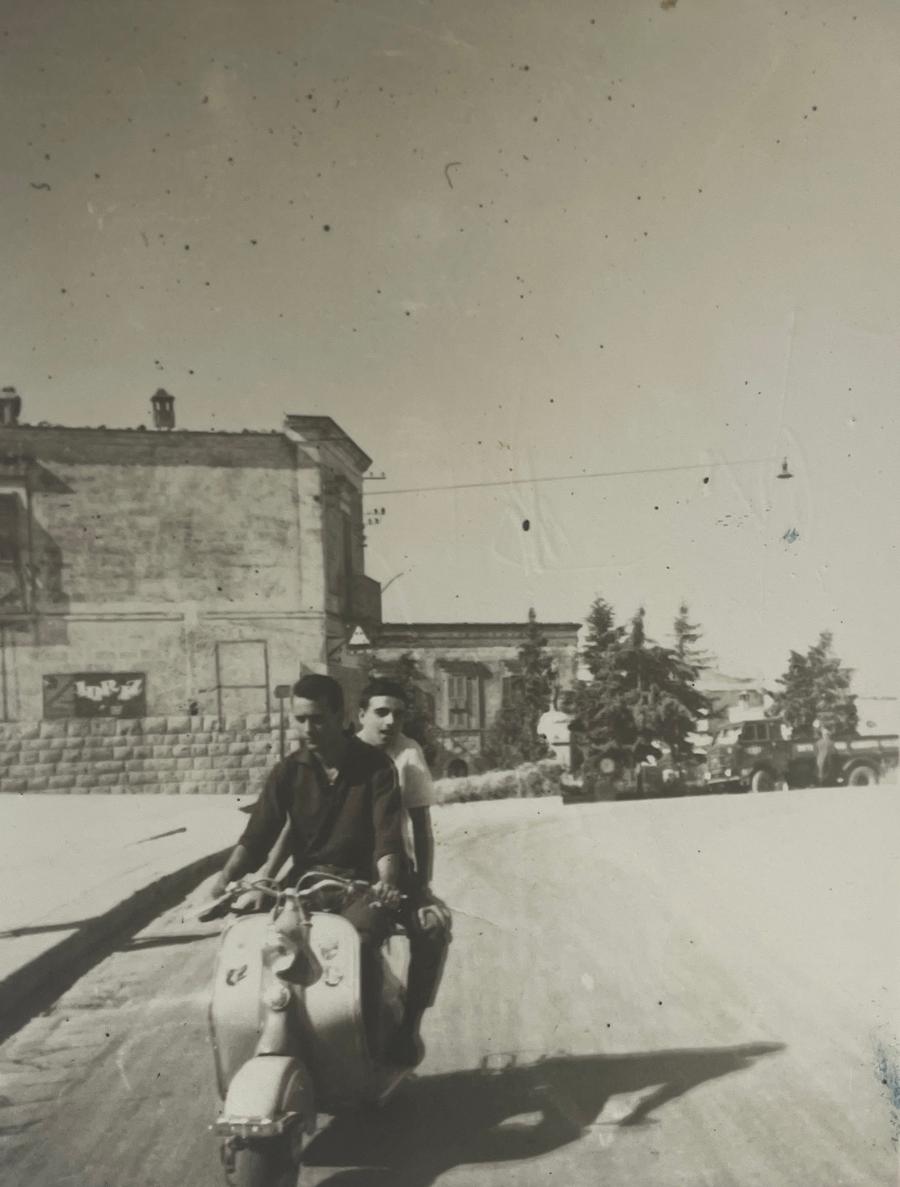
Heavy surface damage, cleaned
Scratches, age spots, and emulsion damage removed while the original character stays intact.
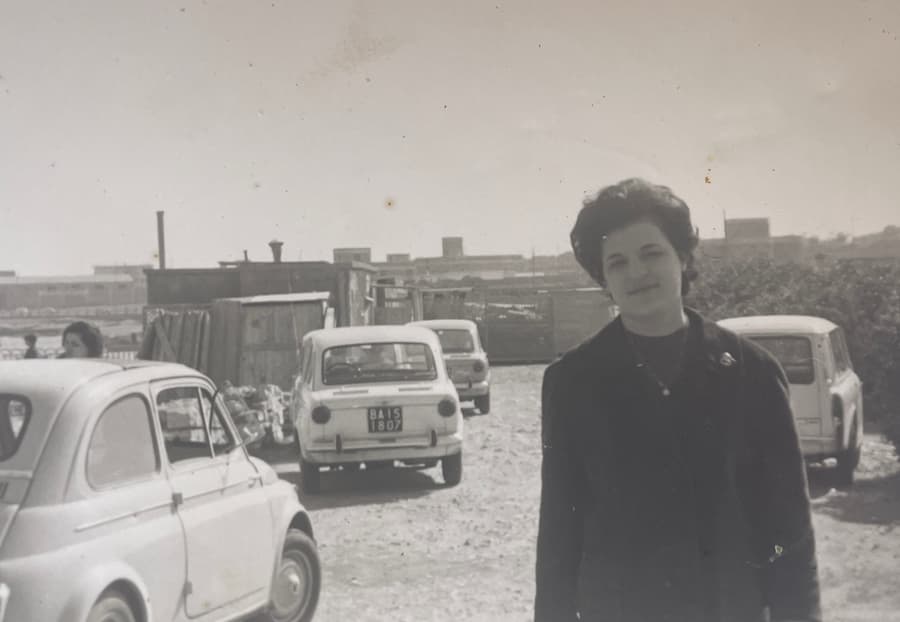
Faded but precious, fully restored
Faces, numbers, and small details preserved — the details lesser tools lose first.
What restoration fixes — and what it protects
Physical damage is the number-one reason family photos become unshareable. A tear across a face, a corner eaten by water, silvering cracks from poor storage — each one sits exactly where the eye looks first. Pinin’s restoration engine detects the damage layer and rebuilds the missing structure from the surrounding image, rather than painting over the photo with a generic filter.
Just as important is what does not change. Facial proportions, expressions, jewelry, handwriting, and period clothing are treated as protected content. The goal is a photo that looks like it was never damaged — not a photo that looks like it was re-imagined.
- Tears, folds, and creases reconstructed from surrounding detail
- Water stains, mold spots, and chemical damage isolated and removed
- Missing corners and edges rebuilt where context allows
- Original grain and character kept — no plastic, over-smoothed look
How the examples on this page were made
Every photo here was uploaded by a Pinin user and restored with the standard one-credit pipeline — the same one your first free photo runs through. No manual retouching, no artist intervention. The sliders start on the restored side; drag left to reveal the original damage.
Frequently asked questions
Can AI repair a photo that is torn in half?
Yes, in most cases. Pinin reconstructs the missing detail across the tear by reading the structure on both sides of the break. Straight-line tears and folded corners repair almost invisibly; large missing areas are rebuilt plausibly but may show some interpretation.
Will restoration change how the people look?
No. The engine treats faces, expressions, and proportions as protected content. It repairs damage around them and only rebuilds facial detail where damage covers it, staying as faithful to the original as the damage allows.
What kind of damage cannot be fixed?
Completely missing regions with no surrounding context, extreme blur with zero recoverable detail, and photos smaller than a few dozen pixels cannot be meaningfully restored. Everything between those extremes is worth trying — your first photo is free, so there is nothing to lose.
Do I need to scan my photo professionally?
No. A straight, well-lit phone photo of the print works. Avoid shadows and glare, fill the frame with the photo, and Pinin handles the rest. For best results on small prints, a 300 DPI scan is ideal but not required.
How much does restoration cost?
One credit restores one photo, and your first photo is completely free — no credit card required. After that, credits start at $0.70 per photo in packs, or you can subscribe monthly for a lower per-photo rate.
Restore your photo — free
Upload your photo and see this transformation on your own image in seconds. First photo free — no credit card required.
More before & after galleries
.png)
Colorization
Black-and-white portraits brought to life with natural, plausible color.
View gallery.png)
Blur removal
Soft, shaky, and out-of-focus shots sharpened back to crisp detail.
View gallery.png)
Image upscaling
Small, low-resolution images enlarged with natural reconstructed detail.
View gallery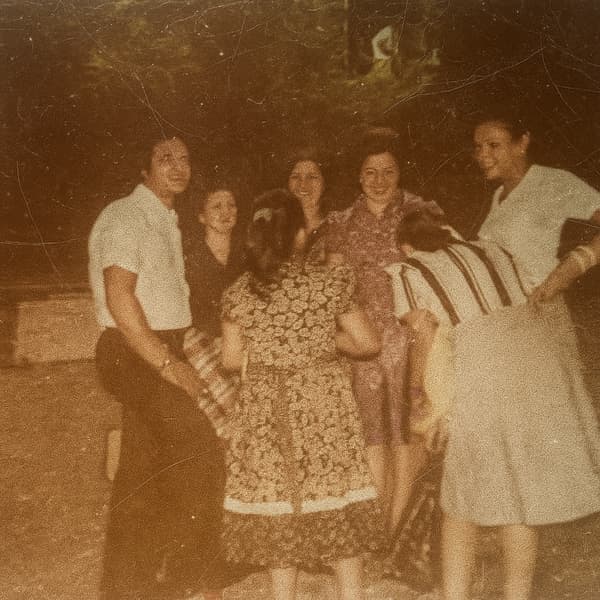
Scratch removal
Scratches, speckles, and cracks erased while the photo underneath stays sharp.
View gallery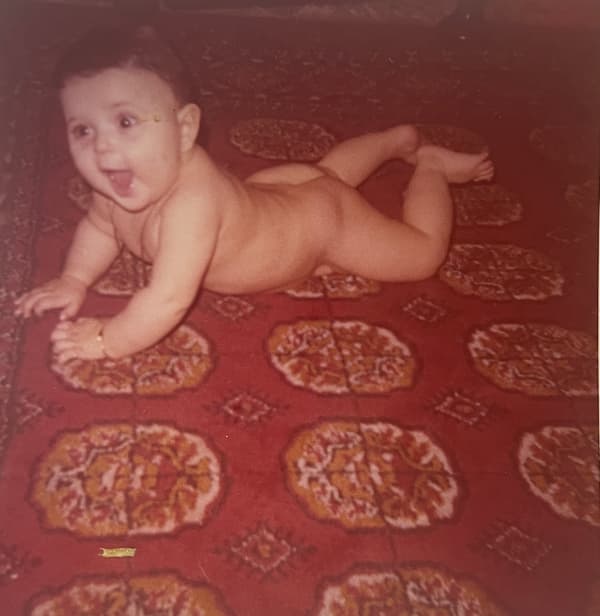
White balance & fade
Yellow casts and washed-out color corrected back to natural tones.
View galleryKeep restoring with Pinin
One credit per photo. Your first restoration is free.
Colorize black & white photos
Add natural, historically plausible color to old monochrome portraits in seconds.
Enhance & upscale images
Sharpen detail, remove noise, and upscale low-resolution scans to print-ready quality.
Batch restoration
Restore entire albums at once with consistent AI results across every photo.