Scratch and damage removal — before and after
White speckles, hairline cracks, and deep scratches — removed cleanly. Real damaged scans from real users, cleaned by Pinin without blurring the photo underneath.
Yes — deep scratches, dust specks, and cracked emulsion can be removed from old photos. Pinin segments each defect first and inpaints only the damaged pixels, so the photo between scratches stays perfectly sharp. Try it on your own photo: your first photo is free and takes about 30 seconds — no editing skills needed.
Before and after examples
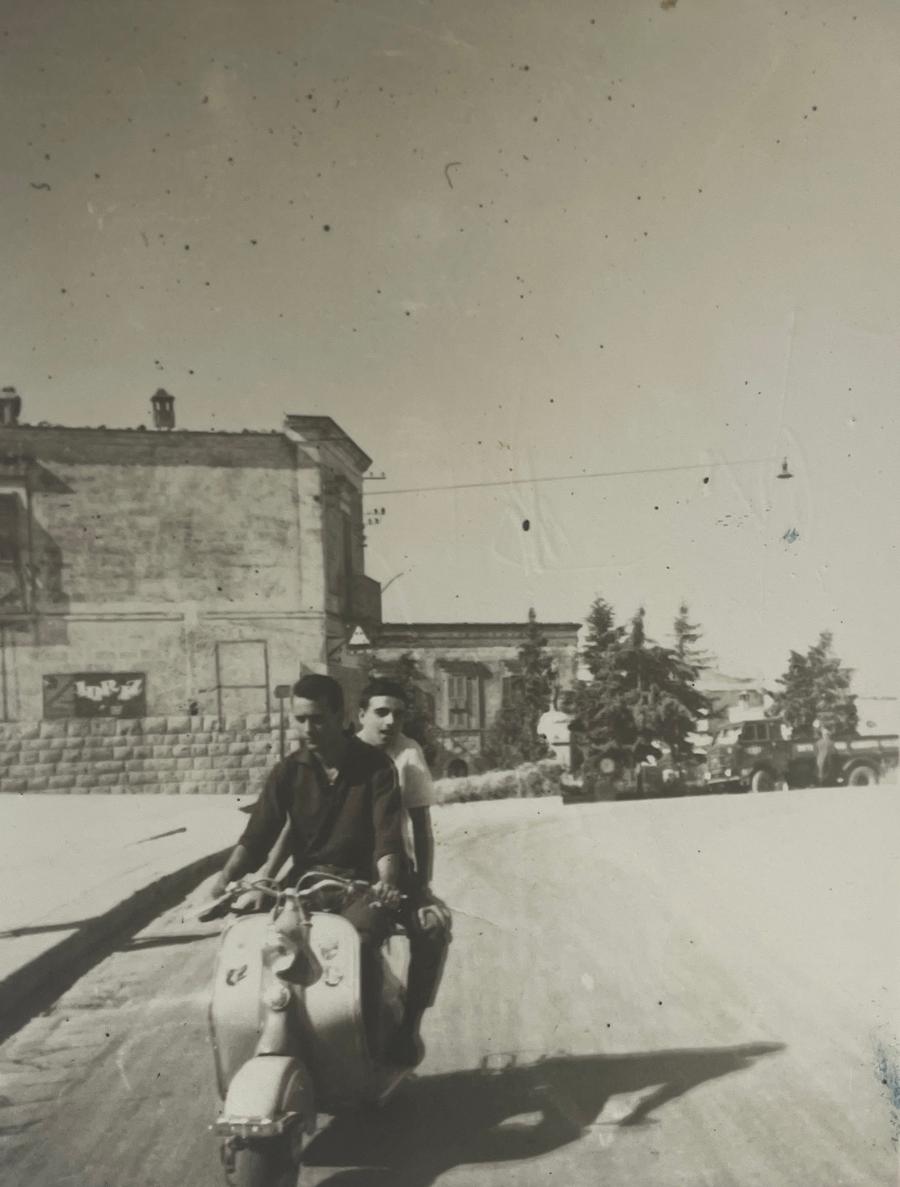
Speckled scan, cleaned
Dust specks and white scratches lifted from the whole surface — texture underneath untouched.
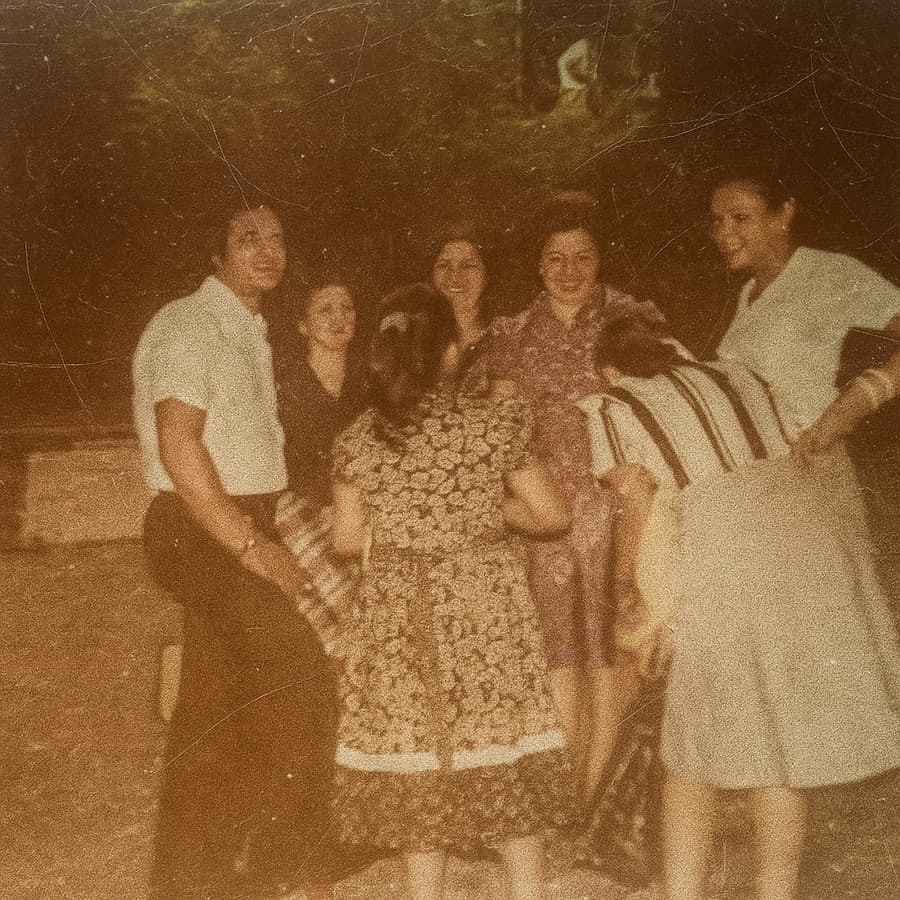
Cracked emulsion, smoothed
The net of fine cracks old prints develop, dissolved without softening the faces.
Removing damage without touching the photograph
The hard part of scratch removal is not finding the scratches — it is removing them without taking the photo with them. A naive filter blurs everything; the scratch goes, but so do eyelashes, film grain, and fabric texture. Pinin segments the damage layer first, then inpaints only the marked regions from surrounding context.
That is why the results below keep their sharpness. The scratch map is detected per-defect: hairline cracks, dust specks, and deep gouges each get different treatment, and the photo between them is never resampled.
- Per-defect damage segmentation — the photo between scratches is untouched
- Deep scratches inpainted from surrounding structure, not smeared over
- Dust, specks, and chemical spotting removed in the same pass
- Film grain and paper texture preserved where damage allows
How the examples on this page were made
Every pair is a real user scan cleaned with the standard one-credit pipeline — no manual cloning or retouching. Drag each slider to compare the damaged scan with the cleaned result.
Frequently asked questions
Can deep scratches that cut through a face be removed?
Usually, yes. The engine inpaints the missing strip from the facial structure on both sides of the scratch. Very wide missing areas are reconstructed plausibly but may show minor interpretation on close inspection.
Will scratch removal blur my photo?
No. Damage is segmented and inpainted per defect, so the areas between scratches are never resampled or softened. You keep the original sharpness everywhere except exactly where the damage was.
Does it also remove dust and white speckles?
Yes. Dust spots, white speckles from damaged negatives, and chemical spotting are detected and removed in the same pass as scratches — one credit covers the whole cleanup.
What if my photo is scratched AND faded?
That is the normal case for old prints, and the pipeline handles both together: scratches are repaired first, then tone and contrast are restored. See the white balance gallery for fade-correction examples.
How clean a scan do I need for good results?
A sharp, evenly lit scan or phone photo is enough. Scratches need to be visible in the file to be removed — if you can see them on your screen, Pinin can find them.
Remove scratches — free
Upload your photo and see this transformation on your own image in seconds. First photo free — no credit card required.
More before & after galleries
.png)
Photo restoration
Torn, creased, and water-damaged prints brought back to one clean image.
View gallery.png)
Colorization
Black-and-white portraits brought to life with natural, plausible color.
View gallery.png)
Blur removal
Soft, shaky, and out-of-focus shots sharpened back to crisp detail.
View gallery.png)
Image upscaling
Small, low-resolution images enlarged with natural reconstructed detail.
View gallery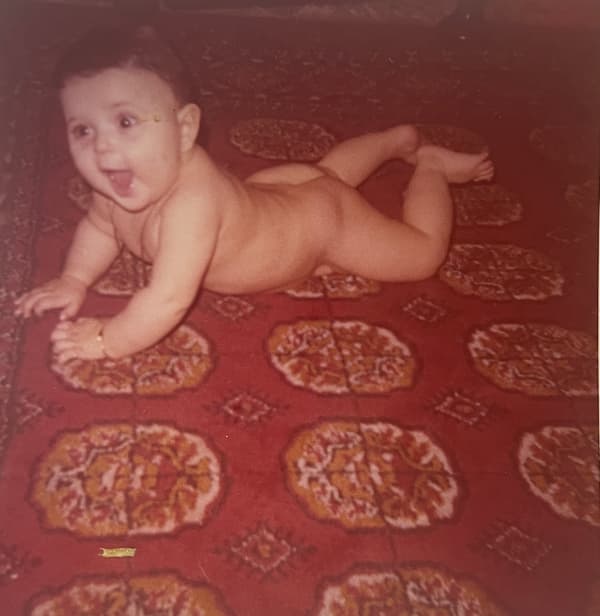
White balance & fade
Yellow casts and washed-out color corrected back to natural tones.
View galleryKeep restoring with Pinin
One credit per photo. Your first restoration is free.
Colorize black & white photos
Add natural, historically plausible color to old monochrome portraits in seconds.
Enhance & upscale images
Sharpen detail, remove noise, and upscale low-resolution scans to print-ready quality.
Batch restoration
Restore entire albums at once with consistent AI results across every photo.