Black and white photo colorization examples
Color that looks like it was always there. Real black-and-white family photos, colorized by Pinin with historically plausible palettes and natural skin tones.
AI colorization adds historically plausible color to black and white photos — natural skin tones and era-appropriate palettes, not the flat sepia most tools produce. Try it on your own photo: your first photo is free and takes about 30 seconds — no editing skills needed.
Before and after examples
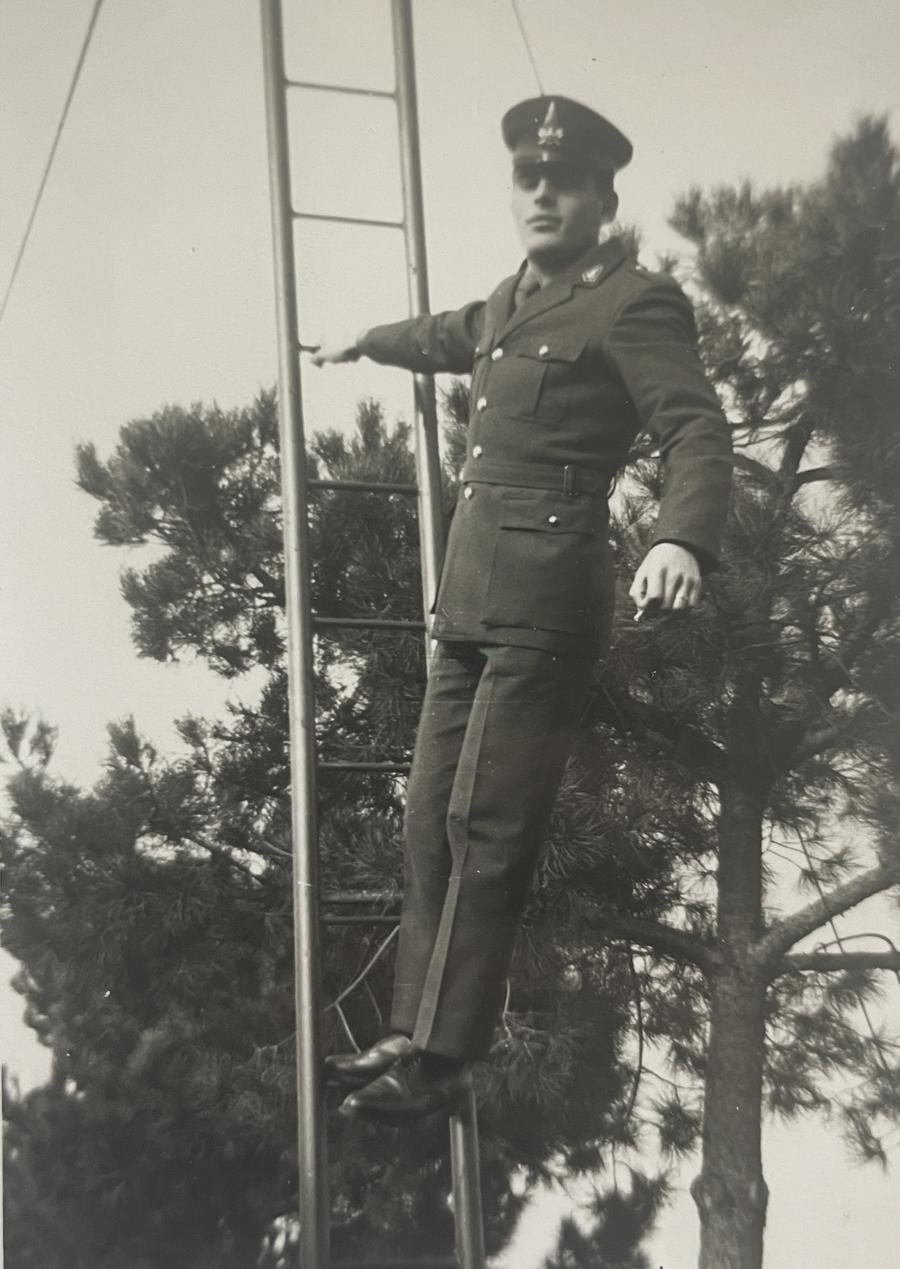
Studio portrait, colorized
Skin tones, fabric, and backdrop color recovered from a monochrome studio print.
.png)
Restored first, then colorized
Damage repaired and color applied in the same pass — the order matters for clean results.
What makes Pinin color look believable
Most colorization tools produce two tells: skin that looks airbrushed and backgrounds that default to a single muddy sepia. Pinin’s model was trained on millions of period photographs, so it reads context — uniforms, architecture, film stock era — and picks a palette that fits the decade, not a generic one.
The second discipline is restraint. Where the original gives no evidence (an object that could be any color), Pinin chooses the most statistically plausible, muted version. This is why colorized photos look like faded color originals rather than hand-painted postcards.
- Skin tones modeled from luminance and facial structure, not averaged
- Period-aware palettes: military, workwear, and interior colors fit the era
- Muted, evidence-based choices where color is unknowable
- Restoration runs before colorization, so damage never bleeds into color
How the examples on this page were made
Each pair below is a real user upload colorized with the standard pipeline — one credit, no manual color grading. Drag the slider to compare the original monochrome with the colorized result.
Frequently asked questions
How accurate is AI colorization?
It is historically plausible, not documentary. The AI infers the most likely colors from context — skin, sky, foliage, uniforms, and era-specific objects are usually close. Truly unknowable colors (a specific dress color, for example) are educated, muted guesses.
Can I get a black-and-white photo colorized AND restored?
Yes — that is the recommended order, and Pinin does both in a single pass. Damage is repaired first so scratches and stains do not contaminate the color result, then color is applied to the clean image.
Will colorization work on photos with writing or stamps on them?
Yes. Ink, handwriting, and studio stamps are treated as part of the image and preserved. If you would rather they were removed, run the photo through restoration first and note it in your review of the result.
Does colorization cost extra?
No. Colorization is part of the standard pipeline — one credit covers repair, colorization, and enhancement together, and your first photo is free.
Can I colorize a photo that was already tinted by hand?
Usually, yes. Hand-tinted areas are treated as color evidence rather than damage. The AI will harmonize the existing tint with the rest of the inferred palette rather than fighting it.
Colorize your photo — free
Upload your photo and see this transformation on your own image in seconds. First photo free — no credit card required.
More before & after galleries
.png)
Photo restoration
Torn, creased, and water-damaged prints brought back to one clean image.
View gallery.png)
Blur removal
Soft, shaky, and out-of-focus shots sharpened back to crisp detail.
View gallery.png)
Image upscaling
Small, low-resolution images enlarged with natural reconstructed detail.
View gallery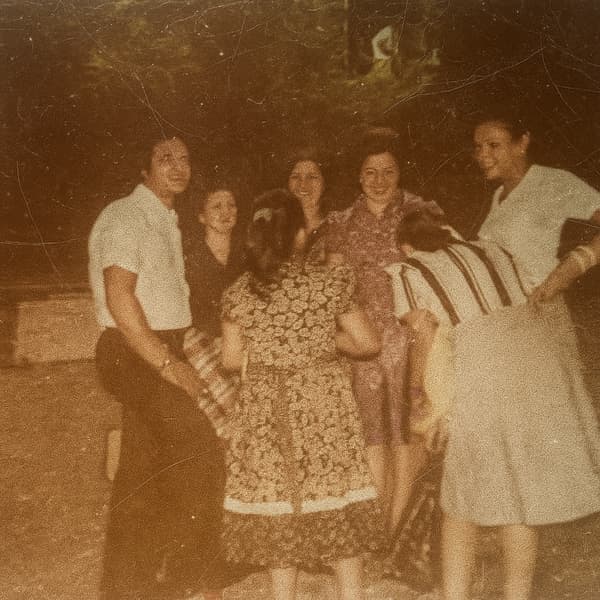
Scratch removal
Scratches, speckles, and cracks erased while the photo underneath stays sharp.
View gallery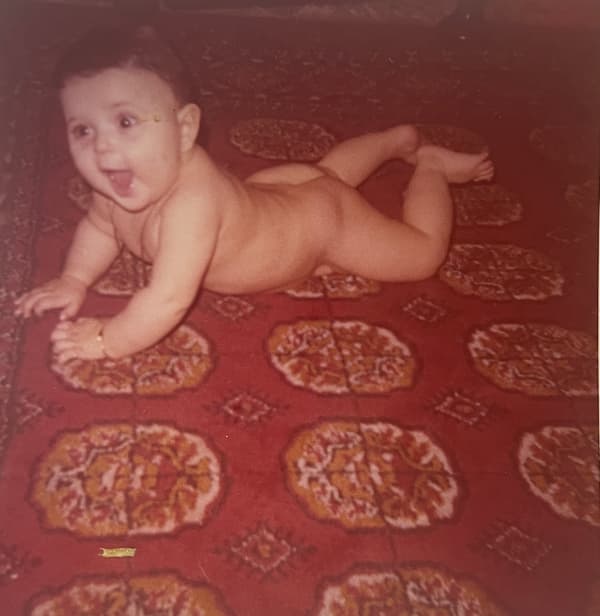
White balance & fade
Yellow casts and washed-out color corrected back to natural tones.
View galleryKeep restoring with Pinin
One credit per photo. Your first restoration is free.