Loading...
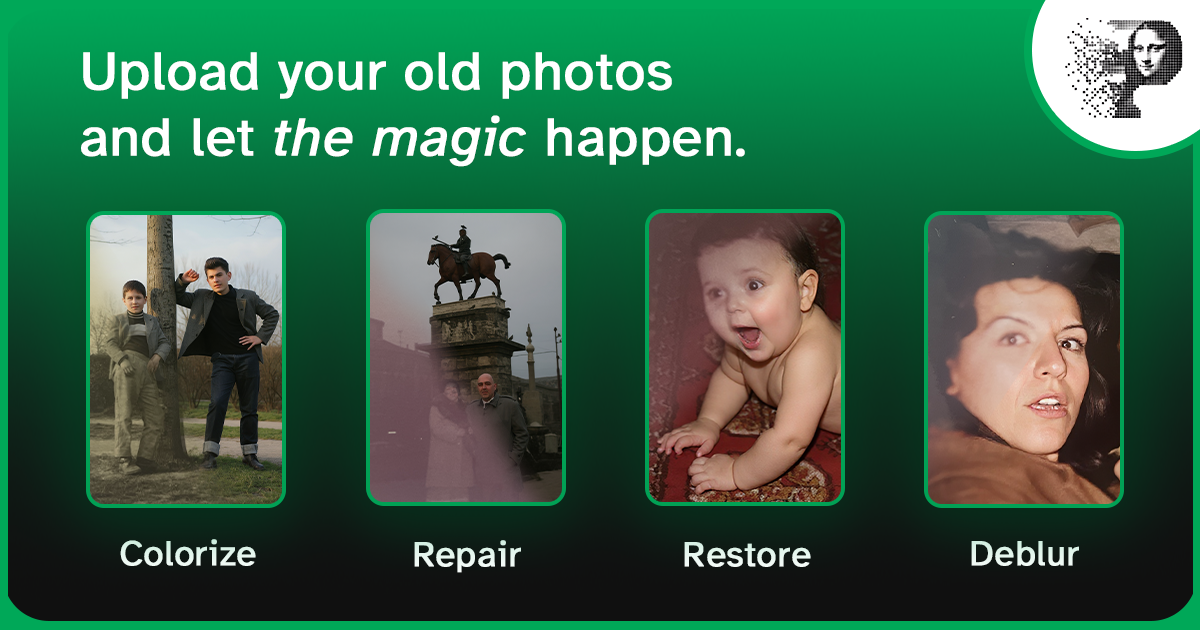
Scratches are the most common damage on old photos — albums, glass frames, and decades of handling all leave their mark. The good news is they're also the most repairable damage for AI: a scratch is a thin line of missing or damaged pixels, and the model rebuilds it from the intact pixels on either side.
This page is about the damage itself — which marks come out, which leave a trace, and why. For the step-by-step process of cleaning up a photo, use the how to clean up old photos guide; to work through a whole album at once, see the batch restoration guide.
Why scratches are the easiest damage to repair
A scratch is narrow and linear — exactly the pattern a restoration model is trained to recognise. Unlike a tear or a faded area, the surrounding pixels give it everything it needs:
- Detection — the model finds the scratch as a bright or dark line that doesn't match local texture
- Inpainting — it fills the line using the colour, brightness, and texture of the pixels on both sides
- Blending — it softens the edges so no repair seam is visible
Because the damaged area is only a few pixels wide, the repair rarely has to invent anything: it continues the existing texture across the line.
White or black? White scratches are emulsion damage — the image layer has been scraped off. Black scratches are dirt, silvering, or friction marks sitting in the surface. Both are removable, but a white scratch across a dark area is the harder case, because the surrounding detail is what has to be reconstructed.
What can be removed, and what leaves a trace
| Damage | Result after one pass | Notes |
|---|---|---|
| Fine surface scratches | Invisible | Repaired cleanly, including families of parallel album-sleeve lines |
| Dust specks, lint, hairs | Invisible | Usually removed without being asked |
| Black / silver friction marks | Invisible | Treated as a line to fill, not as real texture |
| Mold lines and foxing | A trace may remain | Heavy infestations can need a second pass |
| Deep gouges and indentations | A faint shadow is possible | The print is physically dented, so the lighting in the original has already changed |
| Flaked emulsion | Never fully recoverable | Those pixels are gone; the model can only continue the surrounding texture |
| Creases and cracks | Mostly recovered | A crease is a fold, so both tone and geometry have to be rebuilt |
Is it a scratch, or something else?
Old photos carry several kinds of linear damage, and they don't behave the same way:
- Scratches cut across the image and interrupt detail
- Cracks in the emulsion look similar but branch
- Creases change the light across a whole band, not just a line
- Scanner lines from a dirty sensor are perfectly straight and identical on every scan in a batch
- Hair and dust sit on top of the image and are removed with the scratch pass
The distinction matters: a scanner line will reappear on the next scan unless the scanner is cleaned, and no amount of restoration fixes the source.
What the repair cannot do
AI restoration is good at surfaces, not at missing information. Three honest limits:
- It cannot recover what was never captured. Deep gouges, flaked emulsion, and areas worn through to the paper have no data left to rebuild from.
- It cannot fix a soft or blurry photo. Scratch removal restores the line; if the whole image is out of focus, that is an enhancement job — see how to fix blurry photos.
- It cannot correct fading or a yellow cast. Surface damage and chemical deterioration are different problems; a faded photo needs the colour restoration pass — see how to fix faded photos.
How to tell whether it worked
Judge the result at 100% zoom, not on the thumbnail:
- The scratch lines should be gone, with the texture running through them intact
- The repair should be invisible at normal viewing size — no smudging, no blurred stripe
- Fine detail next to the repaired line (fabric weave, brick, hair) should still be sharp
If a line survives, it is usually a deep one: a second repair pass after enhancement normally finishes it.
FAQ
Can AI remove scratches without damaging the rest of the photo?
Yes. A restoration model alters only the damaged pixels and leaves the rest of the image untouched — no global blur, no colour shift, no "AI look".
How many passes does a scratched photo need?
Most need one. Heavily scratched or moldy photos may need a second repair pass, plus a final enhancement pass to sharpen the result.
Will scratch removal also fix fading or colour issues?
Not by itself — it targets surface damage. For faded, yellowed, or water-stained photos, run the colour restoration pass as well. See fixing faded photos.
Remove the scratches from your own photo
Upload a scratched photo and the repair runs in the same pass as everything else. Your first restoration is free, no card required; every photo after that costs one credit. Working through an album? Batch processing handles up to 100 photos at a time with consistent results.