Loading...
How to Restore Ancestor Photos for Family History — Genealogy Restoration Guide
Every family historian knows the feeling: you find a photo of a great-grandparent — faded, scratched, maybe torn — and it's the only image of that face in existence. Restoring ancestor photos is one of the most meaningful projects in genealogy, and AI has made it fast and affordable.
This guide walks through the full workflow: digitizing old originals, repairing damage, colorizing 19th-century portraits, and organizing the results for your family tree.
Why ancestor photos are worth restoring
- They're irreplaceable — no negative exists, and the print is the only copy
- They connect generations — a restored face makes family history tangible for younger relatives
- They're scarce — most people have only a handful of images from before 1900, so each one matters
Good to know: restoration isn't "improving" history — it's recovering what the original photo actually showed. The goal is to make the ancestor look like a real person, not an idealized painting.
The ancestor photo restoration workflow
1. Digitize the original carefully
Old originals are fragile. Photograph or scan them with minimal handling:
- Tintypes and daguerreotypes — photograph them angled to avoid reflections from the metal plate; do not scan face-down
- Cabinet cards and cartes de visite — scan at 600–1200 DPI; the card stock is stable
- Albumen prints — scan flat and gently; they're sensitive to moisture and pressure
2. Repair the damage
Once digitized, upload to Pinin and run the repair engine:
- Scratches, dust, and mold lines — the scratch removal pass
- Tears and missing corners — the torn photo repair workflow
- Fading and sepia cast — the color restoration pass
3. Colorize (optional but powerful)
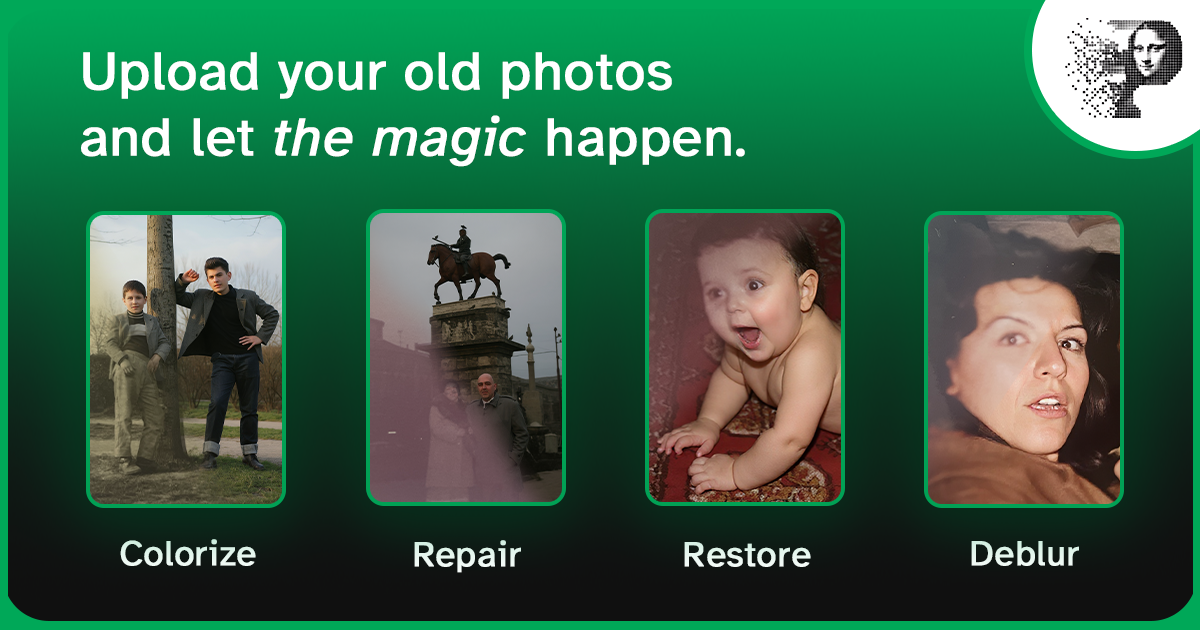
A colorized ancestor portrait connects modern viewers to history in a way black-and-white rarely does. Pinin's colorization engine adds natural, period-appropriate color — skin tones, clothing, backgrounds — automatically. It won't know your ancestor's true eye color, but the result looks like a photograph of a real person.
4. Enhance and upscale for sharing
The enhancement engine sharpens faces and upscales the image so you can print it, include it in a family tree book, or share it on genealogy sites.
5. Organize and back up
Name files consistently (surname-firstname-year), record what you know about each person, and back up to two locations. Your restored ancestors deserve better than a drawer.
FAQ
Can AI restore very old photos (1800s)? Yes. The AI works on the image content, not the date. Tintypes, cartes de visite, and albumen prints digitized at high resolution restore well. Extremely damaged or faded originals may need manual restoration.
Is it okay to colorize historical photos? Yes — and it's a popular, accepted practice in genealogy when labeled as colorized. The original black-and-white version remains the archival copy.
How much does it cost to restore family photos? With Pinin, your first restoration is free. Each photo after that costs one credit — often less than a dollar per photo for standard restoration.
Where should I share restored ancestor photos? Family sites (Ancestry, MyHeritage, FamilySearch), genealogy Facebook groups, and family group chats. A restored ancestor portrait is a gift the whole family can enjoy.
Bring your ancestors back to life — restore an ancestor photo now.