Loading...
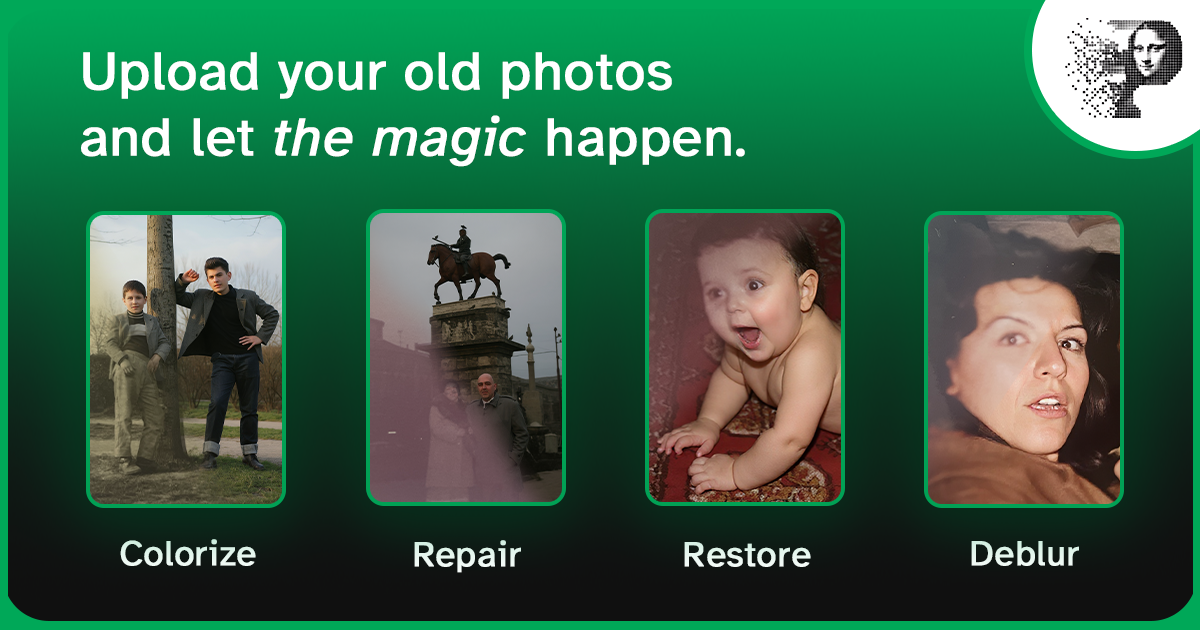
How to Restore Wedding Photos — Bring Old Wedding Memories Back to Life
Wedding photos are some of the most precious images a family owns — and some of the most damaged. Stored in albums, displayed in frames, and passed down for decades, they arrive in your hands faded, scratched, or stuck to the album page.
The good news: AI photo restoration can bring them back — the dress white again, the faces sharp, the colors true. This guide covers the common types of wedding-photo damage and how to fix each one.
The four most common wedding-photo problems
| Problem | What it looks like | The fix |
|---|---|---|
| Faded color | Washed-out dress, yellowed skin tones | Color/white-balance restoration |
| Scratches & creases | White lines across the print | Scratch removal |
| Blurry subjects | Soft, out-of-focus faces | Enhancement / unblur |
| Black & white originals | Monochrome vintage shots | Colorization |
Most wedding photos need more than one fix — a 1970s print might be faded and scratched. Pinin lets you run multiple engines on the same photo; each pass costs one credit.
Good to know: the most valuable part of any wedding photo is the faces. If faces are intact, the restoration will be meaningful even when the background is heavily damaged.
Step-by-step: restore a wedding photo
- Remove it from the album carefully — if it's stuck to the page, don't pull; a photo-safe adhesive remover or gentle heat helps. If it can't be removed, photograph it in place with even light.
- Scan at high resolution — 600 DPI for standard prints. For large group shots, scan at 600–1200 DPI so faces stay detailed.
- Upload to Pinin — open the AI photo restoration tool. Your first restoration is free.
- Run the matching engines — faded? Run color restoration. Scratched? Run scratch removal. Blurry? Run enhancement.
- Download the restored photo — print-ready, shareable, and safe to back up.
Restoring a whole wedding album
Wedding albums are rarely damaged one photo at a time — they come to you as a box. Use batch restoration to process up to 100 photos at once with consistent results. Set aside the heavily damaged ones for individual attention.
When to use manual restoration
If a key photo — the first dance, the family group — is severely damaged (large missing areas, faces torn away), AI may not be enough. Pinin's manual restoration service connects you with an artist who can rebuild the missing detail by hand. It's the right choice for the irreplaceable shots.
FAQ
Can AI restore photos that were damaged by water or mold? Often yes. Water damage leaves stains and waviness; the repair engine removes the stains and restores the affected areas. Severely warped or disintegrating prints should be professionally scanned first.
Will colorization make a black-and-white wedding photo look accurate? AI colorization produces historically plausible, natural color — white dresses stay white, skin tones look human. It won't know your grandmother's exact dress color, but the result looks like a period photograph.
How much does it cost to restore a wedding photo? With Pinin, your first restoration is free. Each photo after that costs one credit — see how Pinin credits work for pricing.
Can I print the restored photos? Yes. Restored photos are high-resolution and print-ready. Many families order prints or albums from the restored files.
Restore your family's wedding history — start now.